The ToolBody Blog
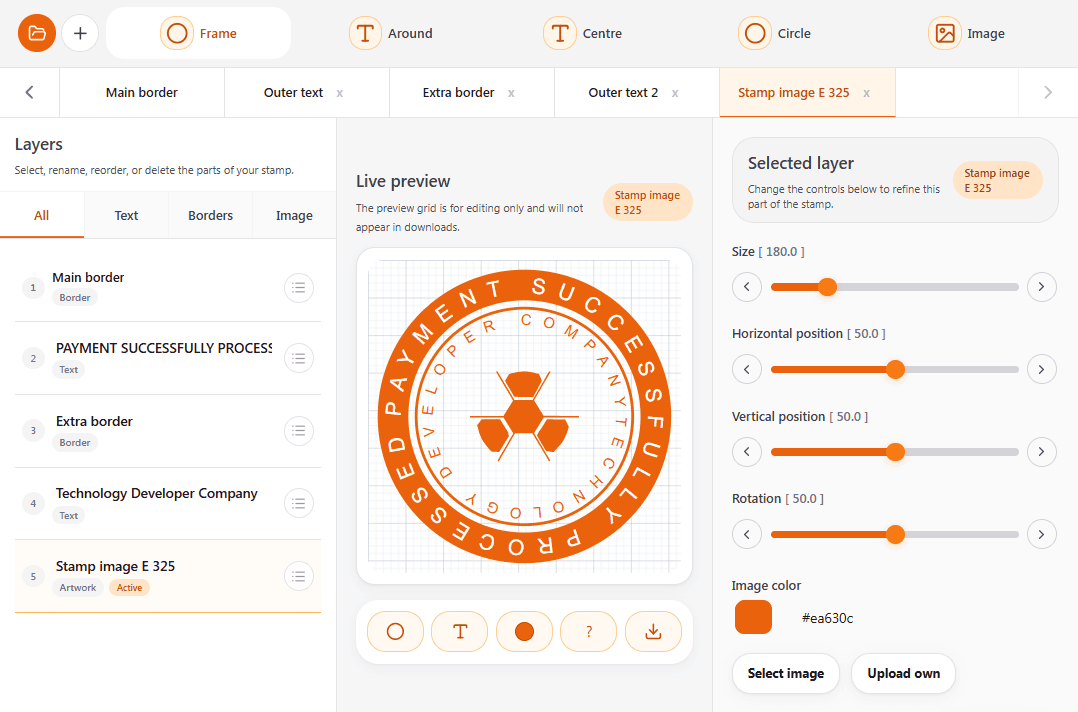
The tools on ToolBody handle the making part — design a stamp, build an invoice, write a payslip, draw a signature, generate a QR code. This blog handles everything around it: how to use those files once you have them, what a professional document is supposed to look like, and how to get through the small administrative decisions that come with running a small business or working for yourself.
What you'll find here
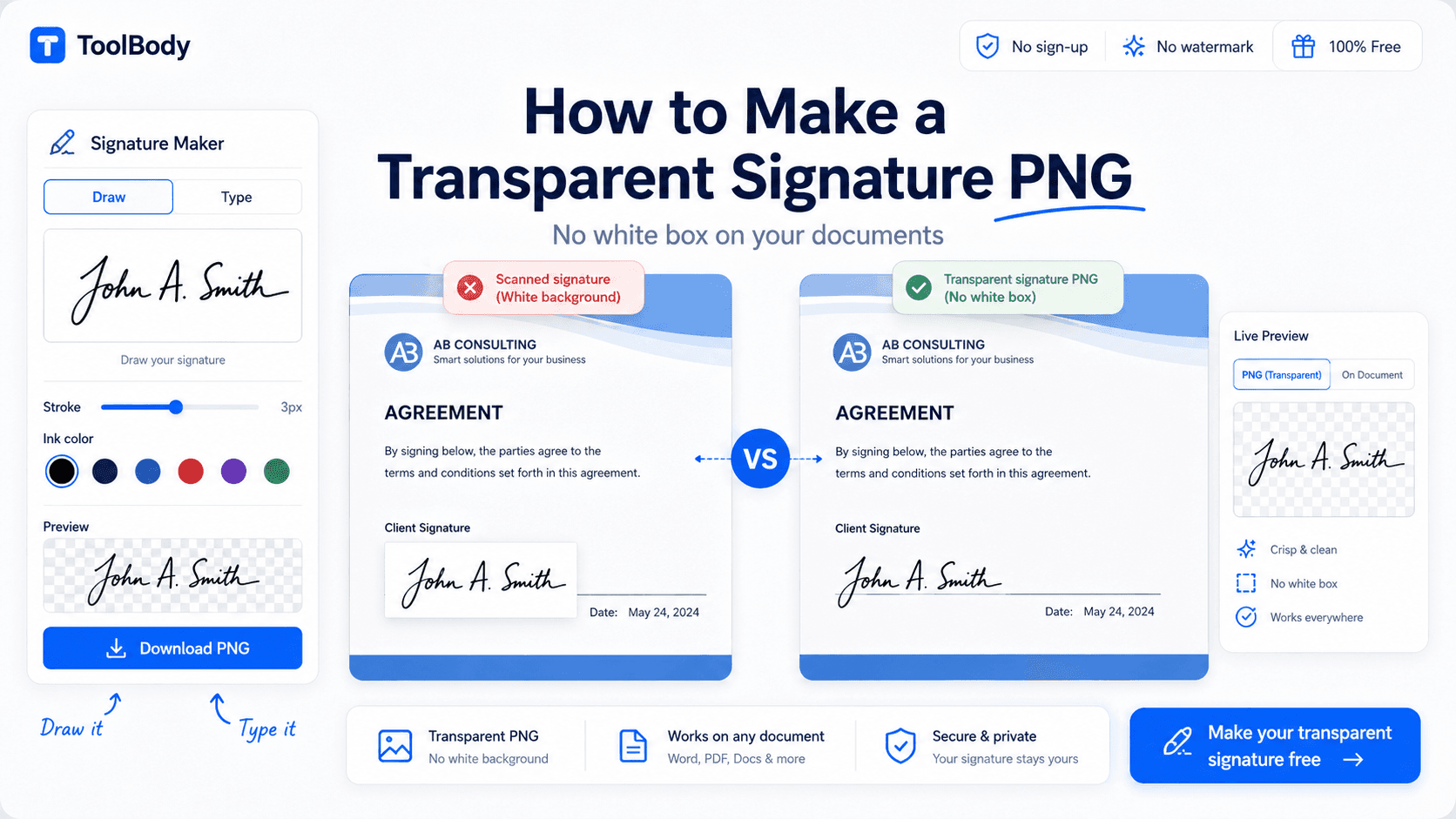
Step-by-step guides for using ToolBody files in real documents — dropping a stamp onto a PDF, inserting a transparent signature into Word or Google Docs, printing an invoice on A4 for a client, putting a QR code on a menu or a business card.
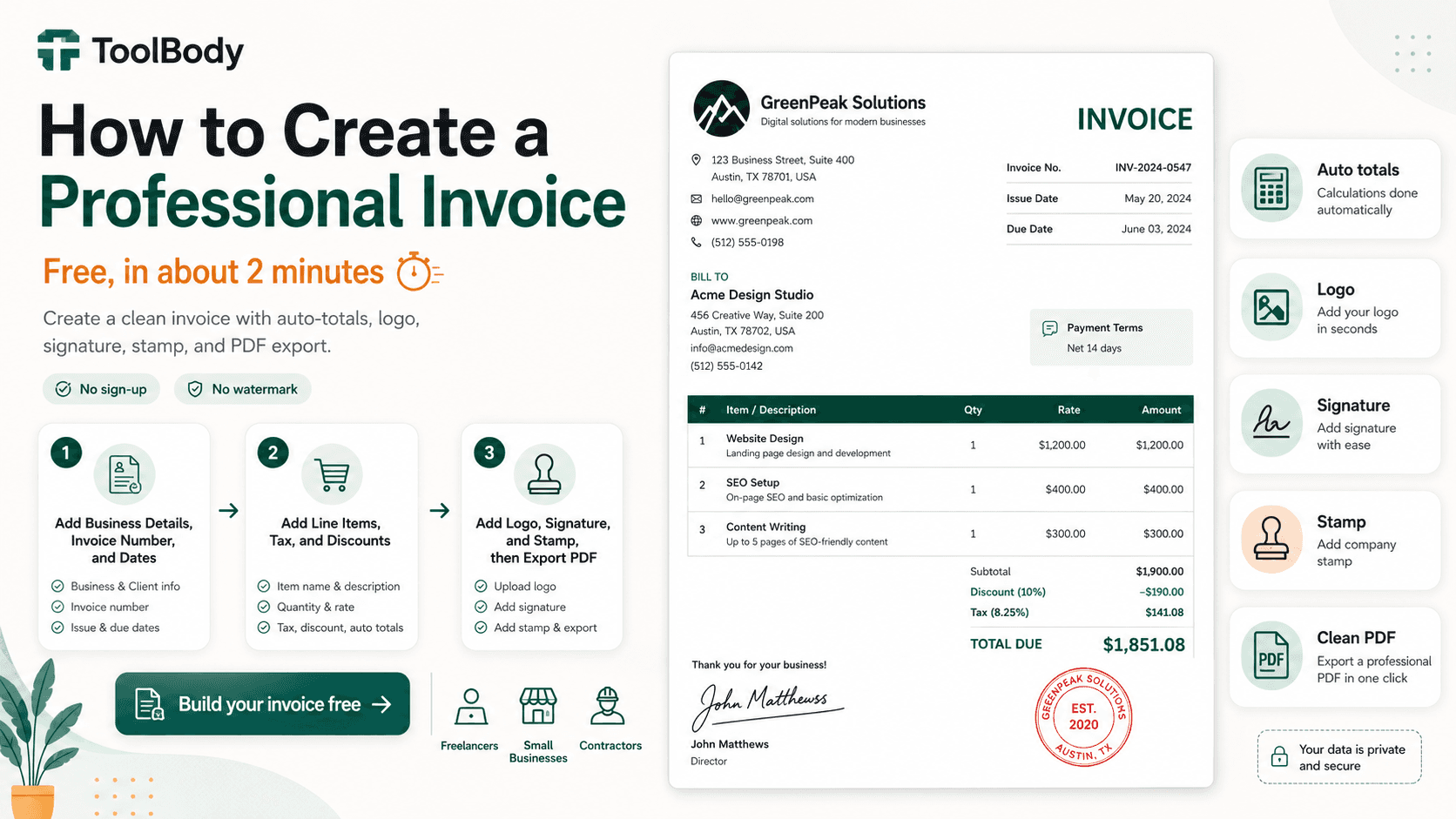
End-to-end walkthroughs for specific situations — invoicing your first client as a freelancer, quoting a job and then billing it, setting up stamps and a signature for a new business, running monthly payslips for a small team, marking documents in an office approval workflow.
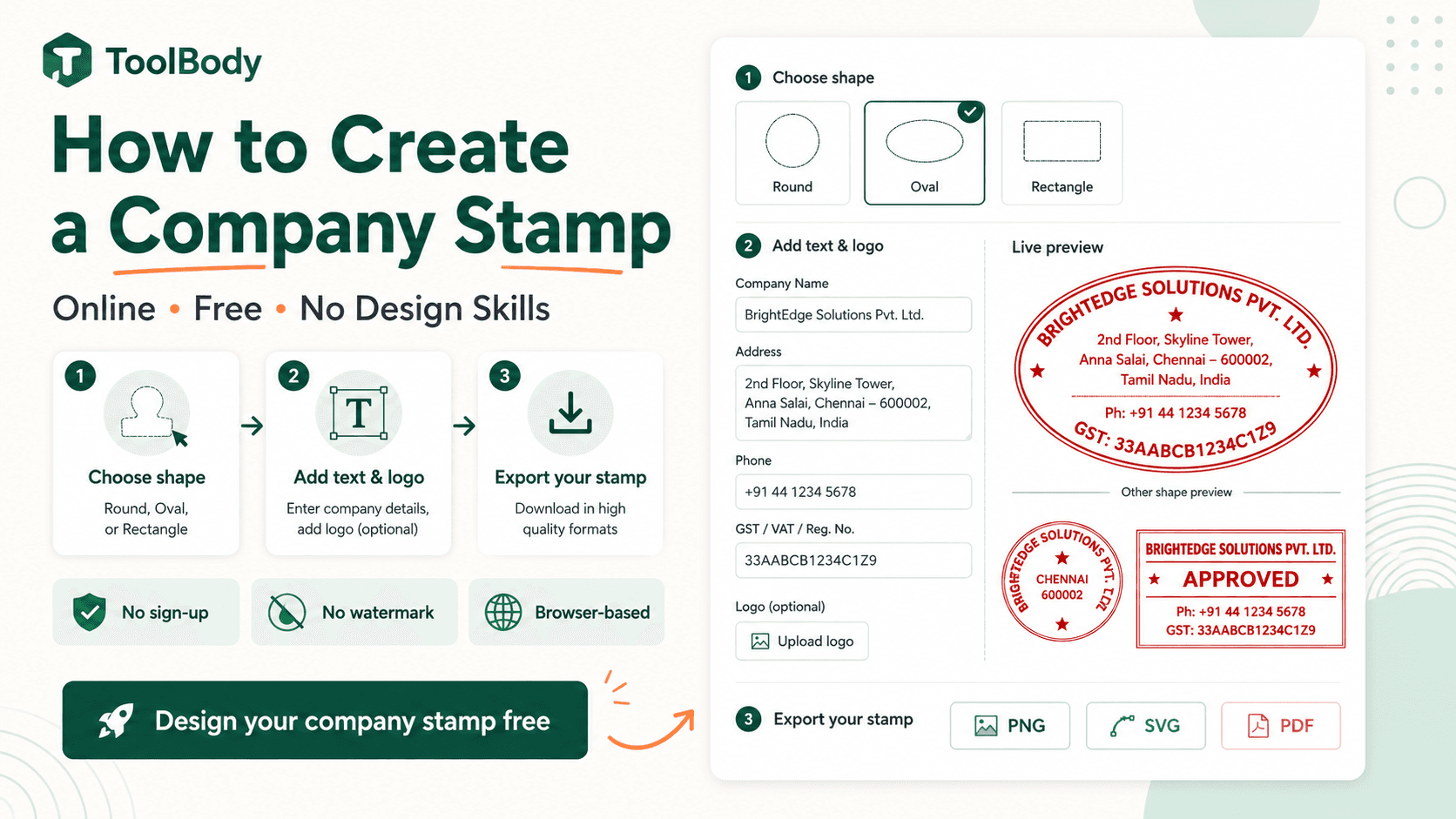
Industry and regional guides where conventions differ enough to matter — what a UAE VAT invoice must include, how company seal rules vary between the UK, India, the Gulf and Singapore, what a US freelancer needs on an invoice for tax season.
Honest comparisons between ToolBody and other tools, free and paid, with no affiliate angle. Where another tool is better for a particular job, the post says so.
What you won't find here
"Top 10" listicles written for search engines by someone who never used the tools. Affiliate round-ups. Filler written to hit a word count. Sponsored posts — we don't take paid placements.
The test for every post is simple: would it help someone trying to do a real job right now? If not, it doesn't get published.
Categories
Posts are grouped into five practical categories.
How-to guides
Short, direct instructions for everyday document tasks. How to add a stamp to a PDF. How to insert a transparent-PNG signature into Microsoft Word or Google Docs. How to turn a digital stamp design into a physical rubber stamp. How to print a payslip that fits on one page. Each guide is written for someone with the problem open in another tab, not for background reading.
Freelance and small business workflows
Documents are a real part of running a business — quoting work, invoicing clients, paying staff, signing agreements, stamping records. These posts cover the whole workflow around each task, with examples drawn from real freelancer and small-business situations, and show how the six tools fit together along the way.
Industry and regional guides
Some conventions vary by place or trade. What a VAT-compliant invoice looks like in the UAE. Which fields a payslip needs in different countries. How seal and stamp customs differ across jurisdictions. What tradespeople put on a quotation that a design studio doesn't. Every post here is grounded in a specific context rather than written to apply everywhere and nowhere.
Tool tips and techniques
Hands-on advice for getting more from the tools. How to curve text around a round stamp so it reads cleanly. How to upload and size a logo correctly. When to export SVG instead of PNG. How to set up a quotation so the invoice matches it later. How to choose a QR code style that still scans at small sizes. These are about craft, not marketing.
Honest comparisons
Where ToolBody does well and where it doesn't, written fairly. Free tool against paid tool. ToolBody against Canva or Word for a specific task. When you actually need a payroll provider instead of a payslip generator, or a certified e-signature platform instead of a signature image. No false equivalences and no false claims of superiority.
How the blog is written
Honest first. If a competitor does something better, we say so. If a ToolBody feature isn't shipped yet, we don't pretend it is. Posts are written by people who use the tools.
Practical over comprehensive. A 600-word post that solves the problem beats a 3,000-word "ultimate guide" full of padding. We aim for the former.
No SEO bait. Posts aren't written because a keyword tool showed search volume. They're written because someone doing their job would benefit. Rankings follow from usefulness, not the other way round.
No fake authority. ToolBody is a small operation and the blog sounds like one. There's no "team of 50 experts" here.
Kept current. When a tool's interface changes, a screenshot goes stale or a regulation is updated, the post is updated too — and if the change is material, a note at the top says what changed.
Suggest a topic
If you've run into a document problem and can't find a clear answer anywhere, including Google, that's exactly what this blog should cover. Send the idea through the Contact page. We read every suggestion; we can't write all of them, but they shape what gets published next.
Or skip the reading and make the thing
If you came here for a guide that doesn't exist yet, the tool itself is probably the fastest route:
Every tool page has its own FAQ for questions specific to that tool. For anything that cuts across all of them, see the site-wide FAQ or read How it works.