Free Invoice Maker UAE: Create VAT Invoices with TRN in AED
Create UAE-compliant tax invoices online for free. Add your TRN, 5% VAT, AED totals, and company stamp, then download a clean PDF. No sign-up, no watermark. Built for freelancers and small businesses in Dubai, Abu Dhabi, Sharjah, and across the UAE.
Invoicing in the UAE comes with its own rules. A client in Dubai asks for a "tax invoice" with your TRN. A customer in Sharjah wants the VAT shown separately. An accountant in Abu Dhabi rejects the invoice because the date of supply is missing. Get one detail wrong and payment is delayed while the invoice goes back and forth.
Most invoicing software is built for other markets and charges a monthly fee to unlock the fields UAE businesses actually need. A free invoice maker UAE businesses can rely on should handle TRN, 5% VAT, AED totals, and the FTA's mandatory fields without a subscription or a watermark.
That is what the ToolBody invoice maker does. It runs in your browser, needs no account, and produces a clean PDF you can send to any client in the Emirates. This guide covers what a compliant UAE invoice must contain, the difference between a full and simplified tax invoice, how VAT-registration status changes your invoice, what the 2026–2027 e-invoicing rollout means for you, and a step-by-step walkthrough.
This article is general information for business owners, not tax advice. Always confirm current requirements with the Federal Tax Authority (FTA) or a registered tax agent.
Why UAE Businesses Need a Purpose-Built Invoice Maker
Since VAT was introduced in January 2018, invoices issued by VAT-registered businesses in the UAE have had to meet specific requirements set by the Federal Tax Authority. A generic invoice template from a foreign website often lacks:
A field for your Tax Registration Number (TRN)
Per-line VAT at 5% with the VAT amount shown separately
Totals in AED with the VAT amount in AED even when invoicing in another currency
The label "Tax Invoice", which is required wording
Date of supply as well as date of issue
An invoice generator UAE businesses use daily should include all of these by default, so you fill in details rather than redesign the document each time.
Who this is for
Freelancers on Dubai, Abu Dhabi, RAK, or Ajman freelance permits invoicing local and overseas clients
Small businesses and shops in mainland or free zones that need tax invoices for walk-in and B2B customers
Consultants, agencies, and trading companies below the AED 50 million e-invoicing threshold
New companies issuing their first invoices before choosing accounting software
Non-VAT-registered businesses below the AED 375,000 mandatory registration threshold that still need professional invoices
What a UAE Tax Invoice Must Include
If you are VAT-registered, the FTA requires a full tax invoice for most B2B supplies.
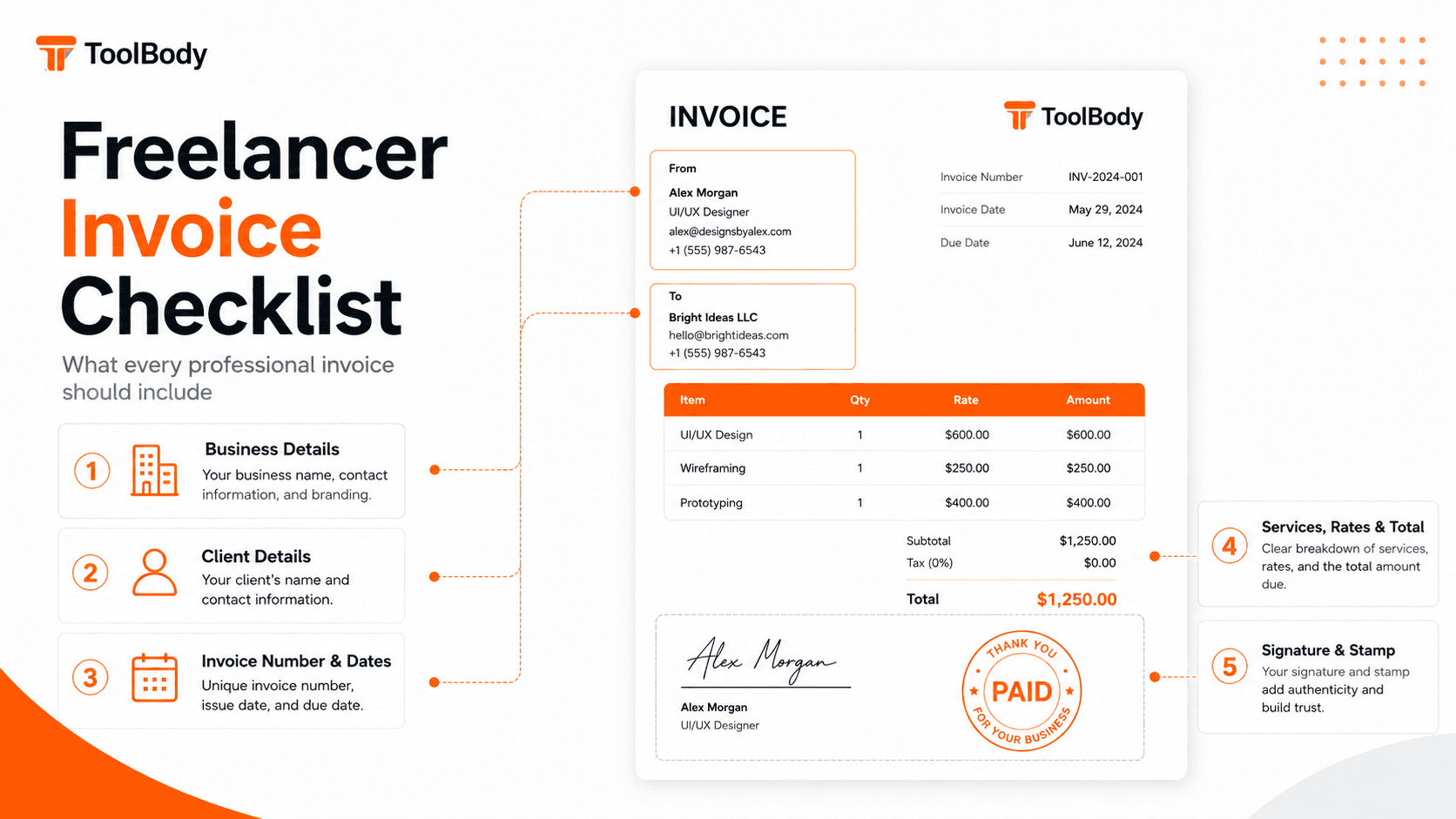
A good UAE VAT invoice template has all eleven of these built in. In the ToolBody editor, the TRN field, VAT column, and AED currency are standard, and the VAT and totals are calculated automatically as you type.
Simplified tax invoice (retail and small supplies)
For supplies to unregistered customers, or where the total is AED 10,000 or less, the FTA allows a simplified tax invoice. It needs fewer fields:
The words "Tax Invoice"
Your business name, address, and TRN
Date of issue
Description of goods or services
Total amount payable including VAT, and the VAT amount
Shops, cafés, clinics, and service providers dealing with consumers use this format daily. You can create it by removing the customer TRN and per-line VAT detail from the full template.
Invoices when you are not VAT-registered
Many freelancers and small businesses are below the AED 375,000 mandatory VAT registration threshold (voluntary registration is possible from AED 187,500). If you are not registered:
Do not add VAT to your invoice or label it "Tax Invoice"
Do not show a TRN you do not have
Issue a standard invoice with your business or permit name, licence or permit number, invoice number, date, description, amount in AED, and payment details
Charging VAT without being registered is an offence, so the label matters.
UAE E-Invoicing: What It Means for a Free Invoice Maker
The UAE is rolling out a national e-invoicing system, and it is worth understanding where a PDF invoice fits.
Voluntary phase: from 1 July 2026, businesses can adopt e-invoicing early.
Mandatory for large businesses: from 1 January 2027 for companies with annual revenue of AED 50 million or more (accredited service provider to be appointed by 31 July 2026).
Mandatory for other in-scope businesses: from 1 July 2027 for businesses under AED 50 million; government entities from 1 October 2027.
Scope: B2B and B2G transactions. B2C transactions are currently excluded until further notice.
Format: an e-invoice is a structured XML file (PINT AE) exchanged through an FTA-accredited service provider on the Peppol network. A PDF or scanned image is not an e-invoice under the mandate.
What this means in practice for readers of this guide:
Right now (2026): PDF invoices from a free invoice maker are valid for everyone. The mandate has not started.
From 2027, large businesses (AED 50m+): B2B and B2G invoices must go through an accredited service provider. Most readers of this article are well below that size.
From July 2027, smaller in-scope businesses: B2B and B2G invoices move to e-invoicing. B2C invoices, which is what most shops, clinics, and consumer-facing freelancers issue, are currently out of scope.
Always: The human-readable PDF is still what your client reads, prints, and files. Even businesses on e-invoicing keep a PDF version for customers and records.
So for freelancers, retailers, and small businesses, a free PDF invoice maker remains the practical tool today, and a useful companion afterwards. If your revenue is near the threshold, or you invoice large companies and government entities, plan for an accredited provider in 2027 and check the FTA's guidance.
How to Create a UAE Invoice Online for Free
Here is the full process using the ToolBody free invoice maker. Most people finish in under five minutes.
Step 1: Open the invoice maker
Go to the invoice maker page in any browser on Windows, Mac, or your phone. There is nothing to install and no account to create. The editor opens on an A4 page with a sample invoice already laid out.
Step 2: Add your business details
Type your trade name exactly as it appears on your licence, your address, phone, and email. If you are VAT-registered, enter your TRN (15 digits starting with 100). Upload your logo so the invoice is branded to you.
Step 3: Label it correctly
If you are VAT-registered, make sure the document title reads Tax Invoice. If you are not registered, keep it as Invoice.
Step 4: Enter the client's details
Add the client's legal name, address, and TRN if they are VAT-registered. For B2B clients, getting the exact registered name right is the single most common thing accounts departments check.
Step 5: Set the invoice number and dates
Use a unique sequential number, for example INV-2026-041, and enter the issue date. If the goods or services were supplied on a different date, add the date of supply.
Step 6: Add line items with VAT
Enter each product or service with its description, quantity, and unit price in AED. Set the VAT rate to 5% (or 0% for zero-rated supplies such as certain exports). The invoice maker calculates the VAT amount per line, the subtotal, total VAT, and the grand total automatically.
Step 7: Add payment terms
State the due date, your bank name, IBAN, and account name, and any accepted alternatives such as a payment link. Clear payment instructions get invoices paid faster.
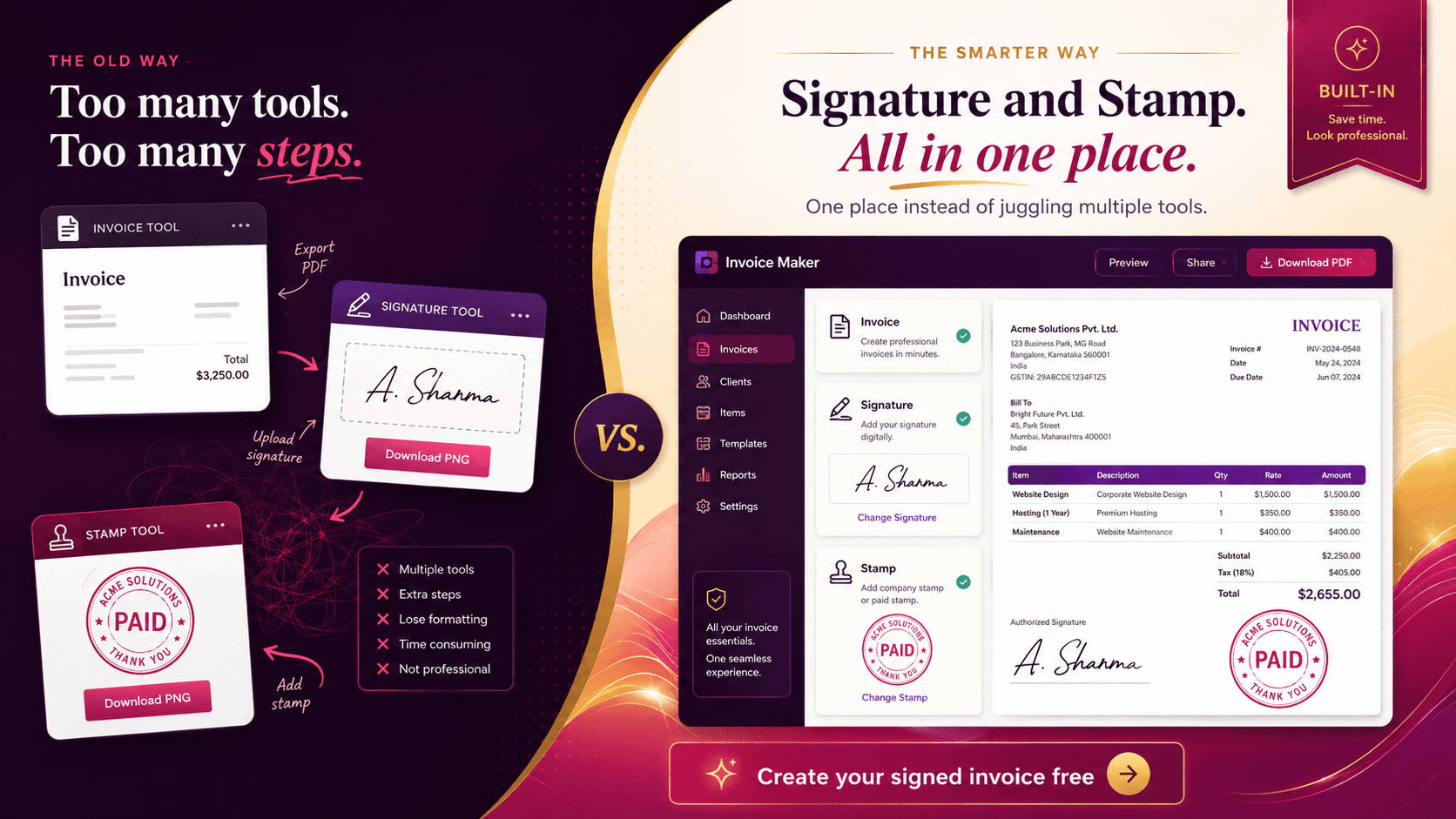
Step 8: Add your stamp and signature
Many UAE clients, especially government entities and larger companies, expect a company stamp on invoices. Create a transparent round or oval seal with the free online stamp maker, generate a signature with the free signature maker, and place both near the total.
Step 9: Review and download
Check the TRN, the client name, the invoice number, and the total. Download the PDF, save it with a clear filename such as INV-2026-041-ClientName.pdf, and email it.
Common UAE Invoicing Mistakes and How to Avoid Them
Missing or wrong TRN
Double-check all 15 digits. A wrong TRN means your client cannot reclaim input VAT and will send the invoice back.
Calling a normal invoice a "Tax Invoice"
Only VAT-registered businesses may issue tax invoices. If you are not registered, use "Invoice".
Not showing VAT in AED on foreign-currency invoices
If you invoice an overseas client in USD or EUR, the VAT amount must also appear in AED using the exchange rate on the date of supply.
Missing date of supply
If the supply happened in a different month from the invoice date, both dates need to appear. This affects which VAT period the sale falls in.
Non-sequential invoice numbers
Gaps or duplicates raise questions in an audit. Use one numbering sequence and never reuse a number.
Forgetting the company stamp
It is not a legal requirement for a tax invoice, but many UAE clients and all government departments expect a stamped invoice. Adding a digital stamp avoids rejection.
Not keeping records
UAE tax law requires businesses to retain invoices and records for at least five years, and longer where corporate tax applies. Store every PDF you issue by year and client.
Related Free Tools for UAE Businesses
Invoicing is one document in a longer paperwork chain. ToolBody's online tools cover the rest:
Quotation maker — send a price offer with the same layout before the work starts: https://toolbody.cloud/free-quotation-maker-online
Payslip generator — issue salary slips for employees under the UAE Wage Protection System: https://toolbody.cloud/free-payslip-generator-online
QR code generator — add a scannable link to your payment page or website on the invoice: https://toolbody.cloud/qr-code-generator
Stamp and invoice templates — start from a ready-made UAE company seal or invoice layout: https://toolbody.cloud/templates
All of them are free, run in the browser, and download without a watermark.
Tips for Faster Payment in the UAE
Invoice immediately. Send the invoice the day the work is delivered, not at month end.
Include the PO number. Larger UAE companies will not process an invoice without their purchase order reference.
Use IBAN, not just account number. UAE bank transfers require the 23-character IBAN.
State the due date as a date. "Due 30 September 2026" is clearer than "Net 30".
Match names to the trade licence. Both yours and the client's.
Keep a clean brand. The same logo, stamp, and layout on invoices, quotations, and payslips builds trust.
Final Thoughts
A UAE invoice has to do more than list what you sold. It needs the right label, your TRN, VAT shown correctly in AED, and the dates the FTA expects, and it needs to look professional enough that a client's accounts team pays it without questions.
A free invoice maker UAE freelancers and small businesses can trust delivers all of that without a subscription: fill in your details, let the VAT and totals calculate themselves, add your stamp and signature, and download a clean PDF. Whether you are in Dubai, Abu Dhabi, Sharjah, or anywhere else in the Emirates, the process is the same and takes minutes.
Open the ToolBody online invoice maker, replace the sample details with your own, and send your next tax invoice today.
FAQs
Yes. ToolBody's invoice maker is free to use in the UAE. You can add your TRN, apply 5% VAT, set AED as the currency, and download a PDF invoice with no watermark and no sign-up.
A full tax invoice should show the words Tax Invoice, your business name, address, and TRN, the customer's name, address, and TRN if registered, a unique invoice number, the date of issue and supply, a description of goods or services, unit price, quantity, VAT rate and amount per line, and the total including VAT in AED.
A simplified tax invoice is a shorter format allowed for retail sales and supplies under AED 10,000 to unregistered customers. It still needs the words Tax Invoice, your name, address, and TRN, the date, a description of the supply, and the total including VAT.
Only if you are VAT-registered. Businesses below the registration threshold, and many freelancers, issue normal invoices without VAT or a TRN. Once registered, every invoice must show your TRN and the VAT charged.
Enter the VAT rate as 5% in the invoice maker. It calculates the VAT amount on each line and shows the subtotal, VAT, and total including VAT automatically.
Yes. Freelancers with a freelance permit or licence can create professional invoices in AED, add their permit number and bank details, and send the PDF to clients. If they are VAT-registered, they add the TRN and 5% VAT.
PDF invoices remain valid for most businesses today. The UAE e-invoicing mandate applies first to businesses with revenue of AED 50 million or more from 1 January 2027, and to other in-scope B2B and B2G businesses from 1 July 2027, through an accredited service provider. B2C sales are currently outside the mandate. Confirm your obligations with the FTA.
Yes. Set the currency to AED for UAE clients, or choose another currency for overseas clients. If you are VAT-registered, the VAT amount must also be shown in AED.
Yes. Create a transparent stamp and signature with ToolBody's stamp and signature makers and place them on the invoice before downloading.
Yes. UAE tax rules require businesses to keep invoice records for at least five years, and longer where corporate tax applies. Save every PDF you issue in an organised folder.