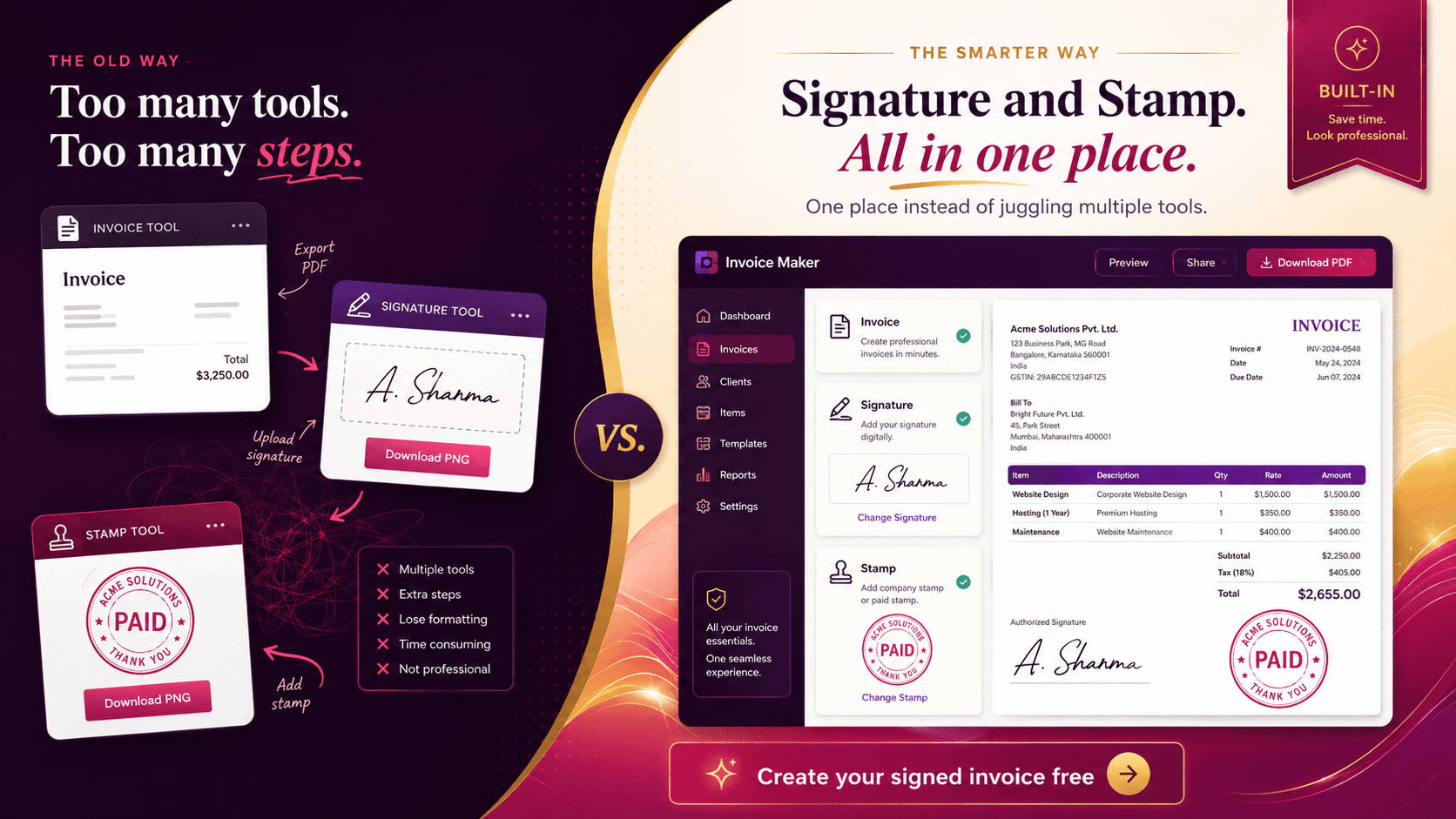
Free Invoice Maker Online – Create Professional Invoices Free
Create professional invoices quickly with a Free Invoice Maker Online. Add business details, products, taxes, discounts and payment information, then download your invoice.
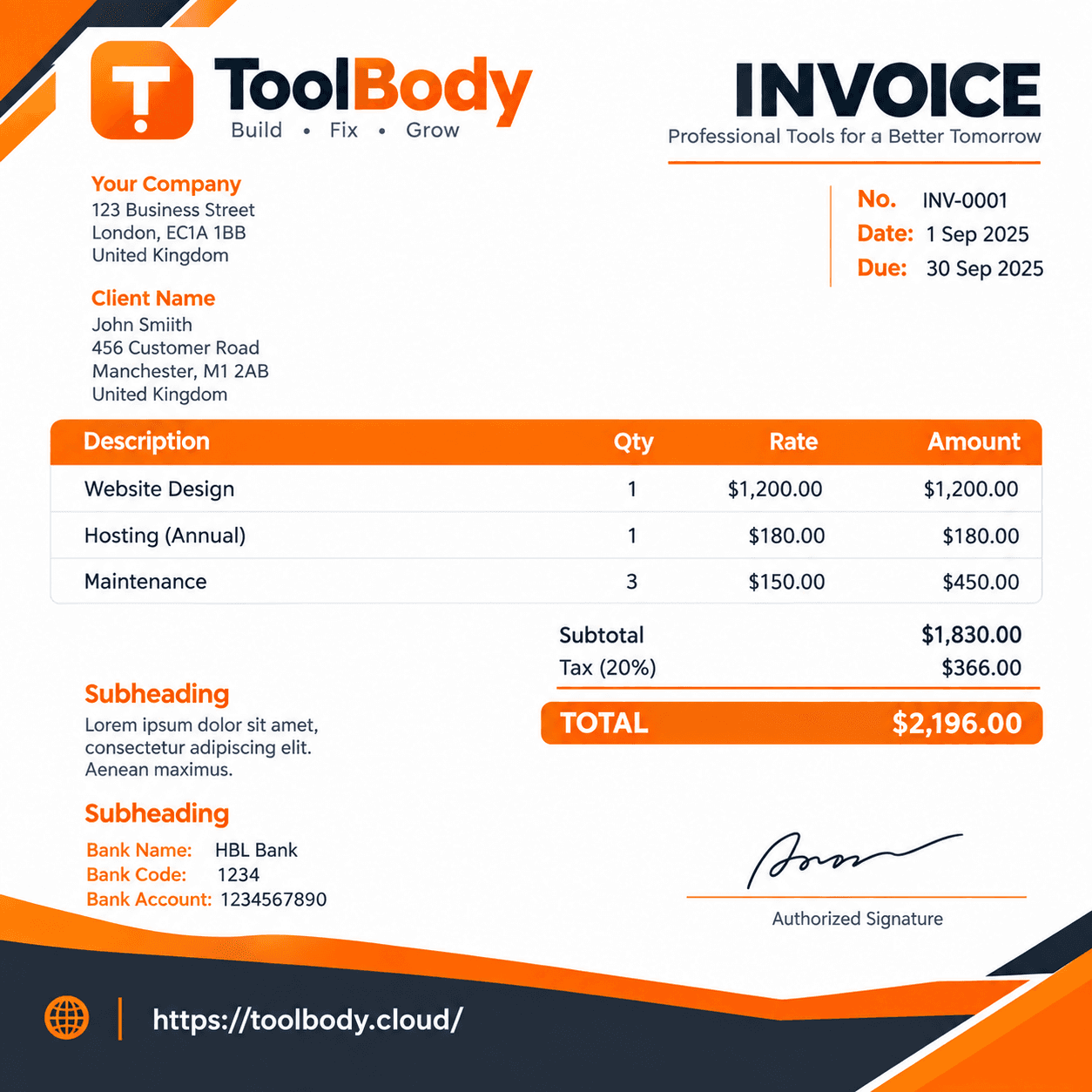
Free Invoice Maker Online – Create Professional Invoices Easily
Creating a professional invoice should not be complicated, expensive, or time-consuming. With a Free Invoice Maker Online, you can create clean and professional invoices in just a few minutes without needing advanced accounting or design skills.
Whether you are a freelancer, small business owner, consultant, agency, contractor, retailer, service provider, or online seller, an online invoice maker can help you prepare invoices quickly and present your business professionally.
Rather than designing invoices manually in Word or Excel, an online invoice maker lets you quickly add your business details, list your products or services, calculate the invoice amount, and apply taxes or other charges with ease.
What Is a Free Invoice Maker Online?
A Free Invoice Maker Online is a convenient web tool that helps users prepare professional invoices quickly without installing any software on their device.
You can normally enter information such as:
Business or seller name
Customer or client name
Business address
Contact information
Invoice number
Invoice date
Due date
Products or services
Quantity
Price
Discount
Tax
Subtotal
Total amount
Payment instructions
Additional notes
Many invoice tools also offer useful options such as uploading your company logo, choosing a suitable design, setting the preferred currency, and saving or printing the finished invoice.
The biggest advantage is convenience: you can create an invoice online without designing a document from scratch.
Why Use a Free Invoice Maker Online?
Manually preparing invoices can take unnecessary time, especially when you send invoices to customers regularly. An online invoice maker simplifies the process by putting the important invoice fields into one organized interface.
1. Create Invoices Quickly
An efficient invoice maker helps you create invoices faster, saving valuable time and making the billing process much easier.Instead of formatting tables and calculating totals manually, you can enter your information into the appropriate fields.
2. Look More Professional
A well-designed invoice gives customers clear information about what they are paying for.
Professional invoices can include:
Clear business information
Customer information
Itemized services or products
Pricing
Taxes and discounts
Total amount
Payment terms
Invoice dates
This clear format allows both you and your customers to quickly understand the details of the invoice.
3. Reduce Manual Calculations
When an invoice maker automatically calculates quantities, prices, taxes, discounts, subtotals, and totals, there is less need to perform calculations manually.
You should still review the final invoice before sending it, particularly when taxes or special pricing rules apply.
4. Save Time for Freelancers and Small Businesses
Freelancers and small businesses often need to handle invoicing without maintaining complicated accounting workflows.
A Free Invoice Maker Online can be a helpful solution for:
Web developers
Graphic designers
Writers
Digital marketers
Consultants
Photographers
Contractors
Retailers
Agencies
Online sellers
Service providers
5. Create Invoices From Different Devices
Since an online invoice maker runs in your browser, you can conveniently prepare invoices using a desktop, laptop, tablet, or compatible smartphone whenever needed.
How Does a Free Invoice Maker Online Work?
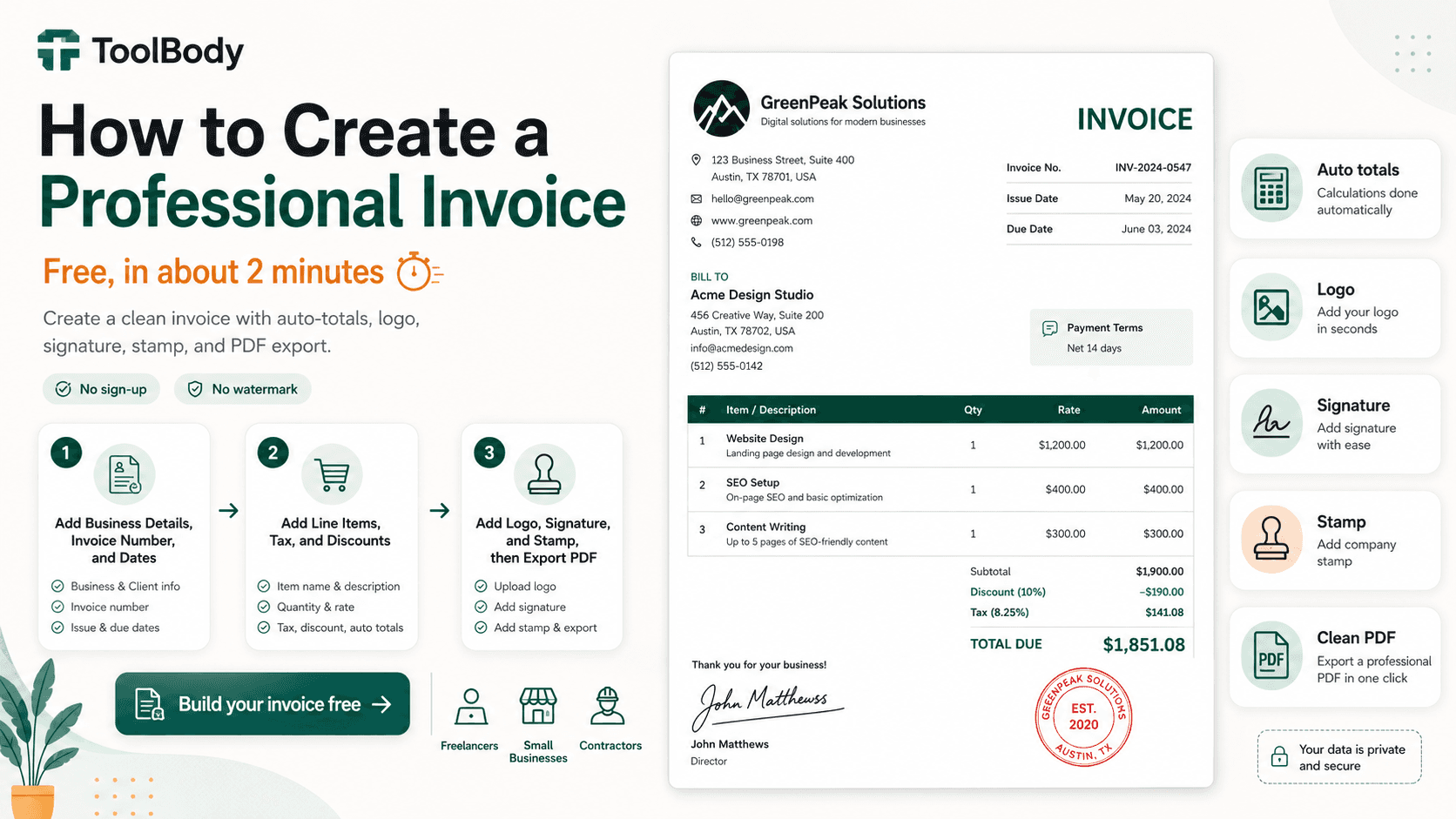
Making an invoice online is a simple process that can be completed in just a few easy steps.
Step 1: Enter Your Business Details
Begin by entering your business details or relevant professional information.
This may include:
Business name
Name of the seller
Address
Phone number
Email address
Website
Tax or registration information, where applicable
Providing correct business details makes it easy for customers to know which business or professional sent the invoice.
Step 2: Add Customer Information
Enter the customer's or client's details.
Depending on your business, this can include:
Customer name
Company name
Billing address
Email
Phone number
Customer or client reference
Step 3: Add Products or Services
List everything you are charging the customer for.
For each item, include information such as:
Product or service description
Quantity
Unit price
Tax
Discount
Line total
Listing each product or service separately makes the invoice clearer and helps prevent confusion about the amount being charged.
Step 4: Add Invoice Number and Dates
Every invoice should have a clear identifier.
Add:
Invoice number
Invoice date
Payment due date
A consistent invoice numbering system can also make your records easier to organize.
Step 5: Review the Total
Check the:
Subtotal
Discount
Tax
Final total
Currency
Double-check all calculations and amounts carefully before sending the completed invoice to your customer.
Step 6: Add Payment Information
If your business accepts bank transfers, online payments, or other payment methods, you can provide the relevant payment instructions on the invoice.
For example, you may include:
Bank account information
Payment link
Payment method
Payment terms
Other relevant instructions
Step 7: Download, Print, or Share the Invoice
Once you have verified all the details, save the finished invoice or download it using the file format provided by the invoice tool.
PDF is particularly convenient when you need to send a consistent, printable document to a customer.
Free Invoice Maker Online for Freelancers
Freelancers often work with multiple clients and may need to create invoices regularly.
A Free Invoice Maker Online can make freelancer invoicing easier by allowing you to create an invoice for:
Website development
Graphic design
SEO services
Content writing
Video editing
Consulting
Social media management
Photography
Software development
Virtual assistance
For example, a freelance web developer can list website development, hosting setup, maintenance, and additional services as separate invoice items.
This provides the client with a clear breakdown rather than simply showing one unexplained total.
Free Invoice Maker Online for Small Businesses
Small businesses can also benefit from online invoicing.
A retailer might invoice products, while a service business might invoice labor or professional services.
An invoice maker can be useful for:
Shops
Agencies
Contractors
Repair businesses
Consultants
Marketing companies
IT businesses
Wholesale businesses
Home-service providers
The exact features you need will depend on your business model.
Online Invoice Maker vs. Word or Excel
Many people create invoices manually using Word or Excel. These applications can work, but they often require more formatting and manual calculations.
An online invoice maker is specifically designed around the invoicing workflow.
Online Invoice Maker
Faster invoice creation
Dedicated invoice fields
Professional layouts
Easier calculations
Less manual formatting
Convenient digital workflow
Word
Flexible document editing
Requires more manual formatting
Calculations may need to be performed separately
Excel
Powerful calculations
Useful for customized spreadsheets
Requires spreadsheet knowledge
Invoice design can take additional work
For someone who simply wants to create an invoice quickly, a dedicated Free Invoice Maker Online can be a more convenient option.
How to Create a Professional Invoice
Creating an invoice is only part of the process. The invoice should also be easy for the customer to understand.
Follow these best practices:
Keep the Design Clean
Avoid unnecessary graphics or complicated layouts. Important information should be easy to find.
Use Clear Descriptions
Instead of writing something vague like "Services," explain what the customer is being charged for.
Include a Due Date
A clear due date tells the customer when payment is expected.
Use Consistent Invoice Numbers
For example:
INV-001
INV-002
INV-003
A consistent numbering system makes invoices easier to track.
Clearly Display the Final Amount
The customer should immediately be able to identify the amount they need to pay.
Check Everything Before Sending
Review names, dates, quantities, prices, taxes, discounts, payment information, and the final total.
Can I Create a Free Invoice Without Accounting Software?
Yes. If your requirements are straightforward, an online invoice maker can allow you to create an invoice without using a complete accounting platform.
This can be particularly useful when you only need to produce a professional invoice rather than manage:
Full bookkeeping
Payroll
Inventory
Financial reporting
Business accounting
However, businesses with more complex accounting requirements may need dedicated accounting software in addition to an invoice generator.
Is a Free Invoice Maker Online Really Free?
It depends on the particular service.
Some invoice makers provide free invoice creation and downloading, while others may limit certain features or require an account for additional functionality.
Before using a tool, check what "free" includes—for example, whether PDF downloads, templates, logo uploads, or unlimited invoices are available without payment.
Is an Online Invoice Maker Safe?
Security depends on the specific service.
When choosing an online invoice tool, look for a reputable website, HTTPS, clear privacy information, and sensible handling of customer and business information.
Avoid entering highly sensitive information unless you understand how the service stores and processes your data.
If the tool creates invoices entirely in your browser, it may offer a different privacy model from a service that uploads invoice information to its servers. Always check the provider's privacy policy.
Who Can Use a Free Invoice Maker Online?
Almost any individual or organization that needs to issue invoices can potentially benefit from an online invoice maker.
It can be useful for:
Freelancers
Entrepreneurs
Small businesses
Startups
Consultants
Contractors
Agencies
Retailers
Online sellers
Service providers
Professionals
Home businesses
Free Invoice Maker Online for International Customers
If you work with customers in different countries, make sure your invoice clearly identifies the currency.
For example:
USD
EUR
GBP
AED
SAR
PKR
International invoices may also require additional tax, business, or payment information depending on the countries involved.
If you regularly invoice international customers, choose an Invoice Maker that supports the currencies and fields relevant to your business.
Free Invoice Maker Online for Pakistani Businesses
For Pakistani freelancers, retailers, agencies, contractors, and other businesses, an invoice may commonly need information such as the business name, customer details, invoice number, date, itemized services or products, amount, currency, and applicable tax information.
If you operate in Pakistan, verify current tax and invoicing requirements applicable to your business before relying on a generic invoice template.
For businesses dealing with PKR invoices, choosing a tool that supports Pakistani Rupees can make invoice preparation more convenient.
Benefits of Using an Online Invoice Generator
The main benefits can be summarized as follows:
Fast: Create an invoice without building a document from scratch.
Simple: Enter information into dedicated invoice fields.
Professional: Use a structured invoice layout.
Convenient: Work through a web browser.
Flexible: Invoice different products, services, and customers.
Organized: Use invoice numbers and dates to maintain records.
Accessible: Online tools can be useful when you need to create an invoice away from your main computer.
Common Mistakes to Avoid When Creating an Invoice
Even with an invoice generator, mistakes can happen.
Avoid:
Missing Customer Information
Make sure the customer or company name is correct.
Incorrect Invoice Number
Use a consistent numbering system and avoid unnecessary duplicates.
Wrong Price or Quantity
Double-check every line item.
Incorrect Tax
Tax rules vary by location and business type. Use the correct rate only when applicable.
No Due Date
If your payment terms include a deadline, make the due date visible.
Unclear Payment Instructions
Tell customers how they can pay.
Sending an Unchecked Invoice
Always review the final document before sending it.
FAQs
A Free Invoice Maker Online is a browser-based tool that lets you create professional invoices without manually designing the document. You can generally enter business details, customer information, products or services, prices, taxes, and payment information.
Yes, many online invoice makers offer free invoice creation. However, available features vary between services, so check whether downloads, templates, and other features are included in the free version.
Yes. An online invoice maker can provide dedicated invoice fields and layouts, allowing you to create an invoice without designing it manually in Excel.
Yes. For simple invoicing needs, a free online invoice maker may be enough to create and download invoices. Businesses with advanced accounting requirements may still need dedicated accounting software.
Many invoice makers support logo uploads. If the feature is available, adding your logo can help maintain consistent business branding.
Many invoice generators provide fields for taxes. The correct tax treatment depends on your business and location, so verify applicable requirements before issuing tax invoices.
Many online invoice tools support PDF downloads or printing. PDF is useful because it preserves the document's layout when shared electronically.
Yes. Freelancers can use an online invoice maker to bill clients for services such as writing, programming, design, consulting, marketing, photography, and other professional work.
Yes. Small businesses can use invoice makers for products and services, provided the tool supports the information and tax requirements relevant to their business.
For dedicated invoicing, an online invoice maker can be more convenient because it is designed specifically for invoices and may automate calculations and formatting. Word can still be useful when you need highly customized document layouts.
Excel is powerful for calculations and custom spreadsheets, but an invoice generator can provide a simpler workflow for creating professional invoices quickly.
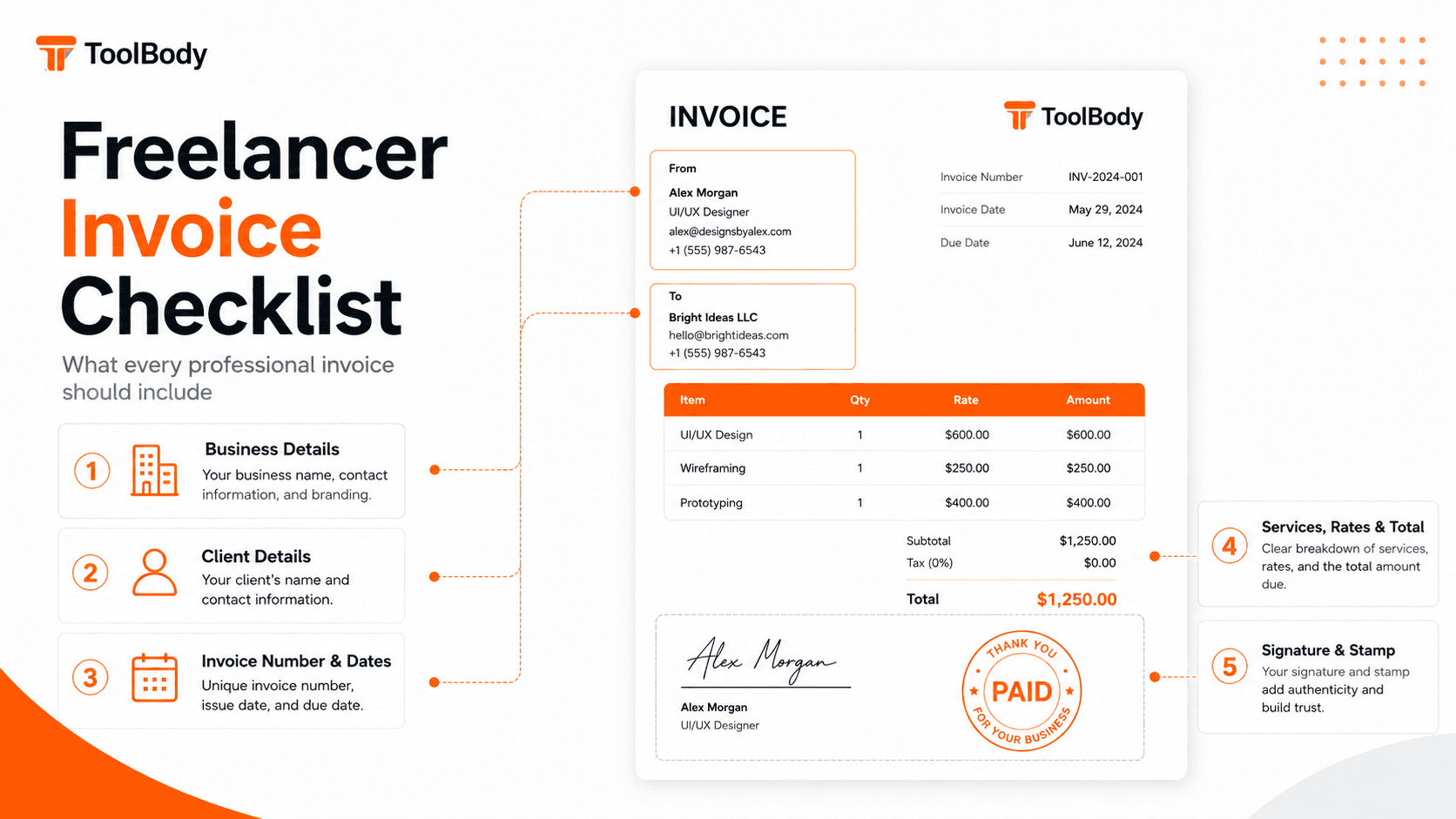
A typical invoice includes seller information, customer information, invoice number, invoice date, due date, itemized products or services, quantities, prices, taxes or discounts where applicable, total amount, and payment instructions.