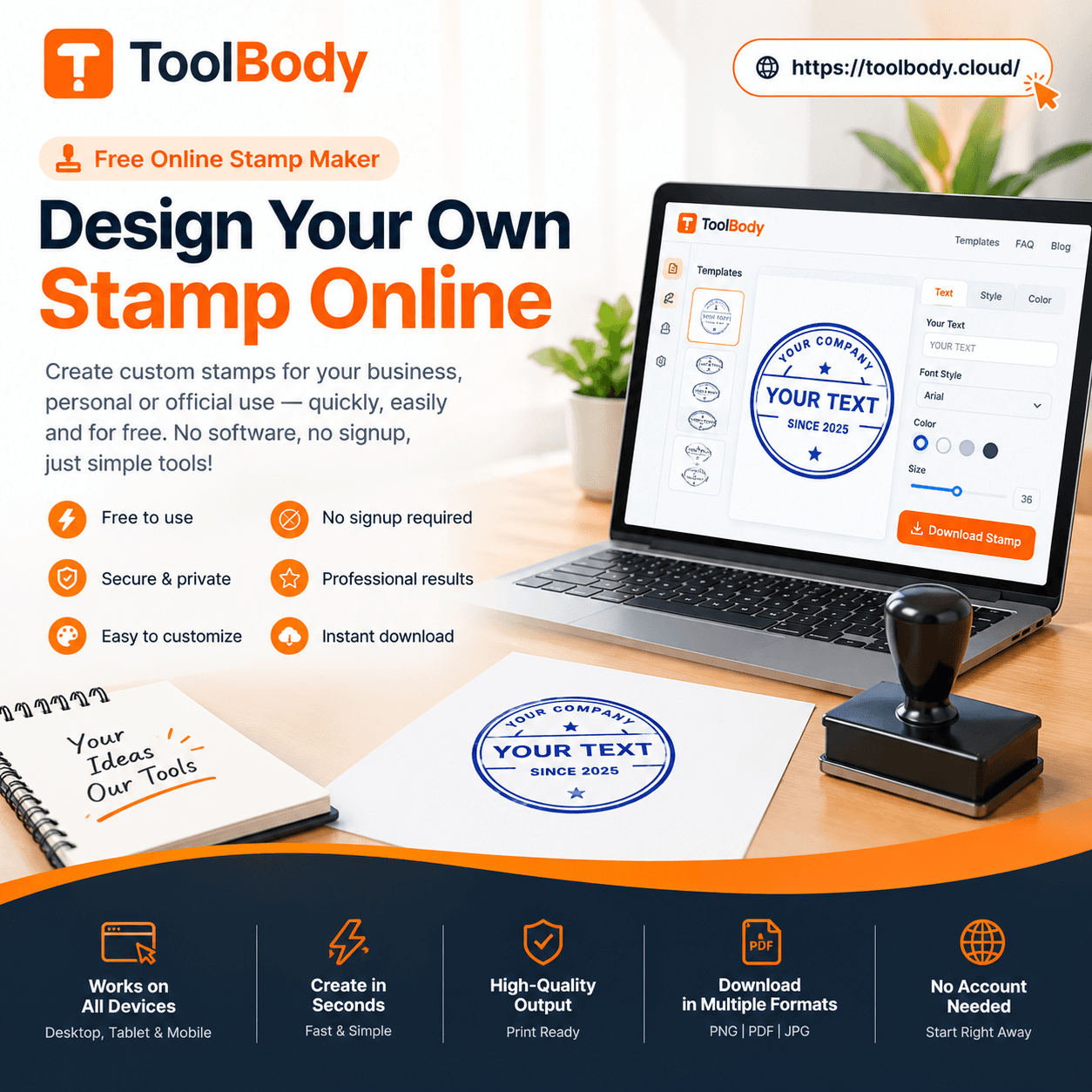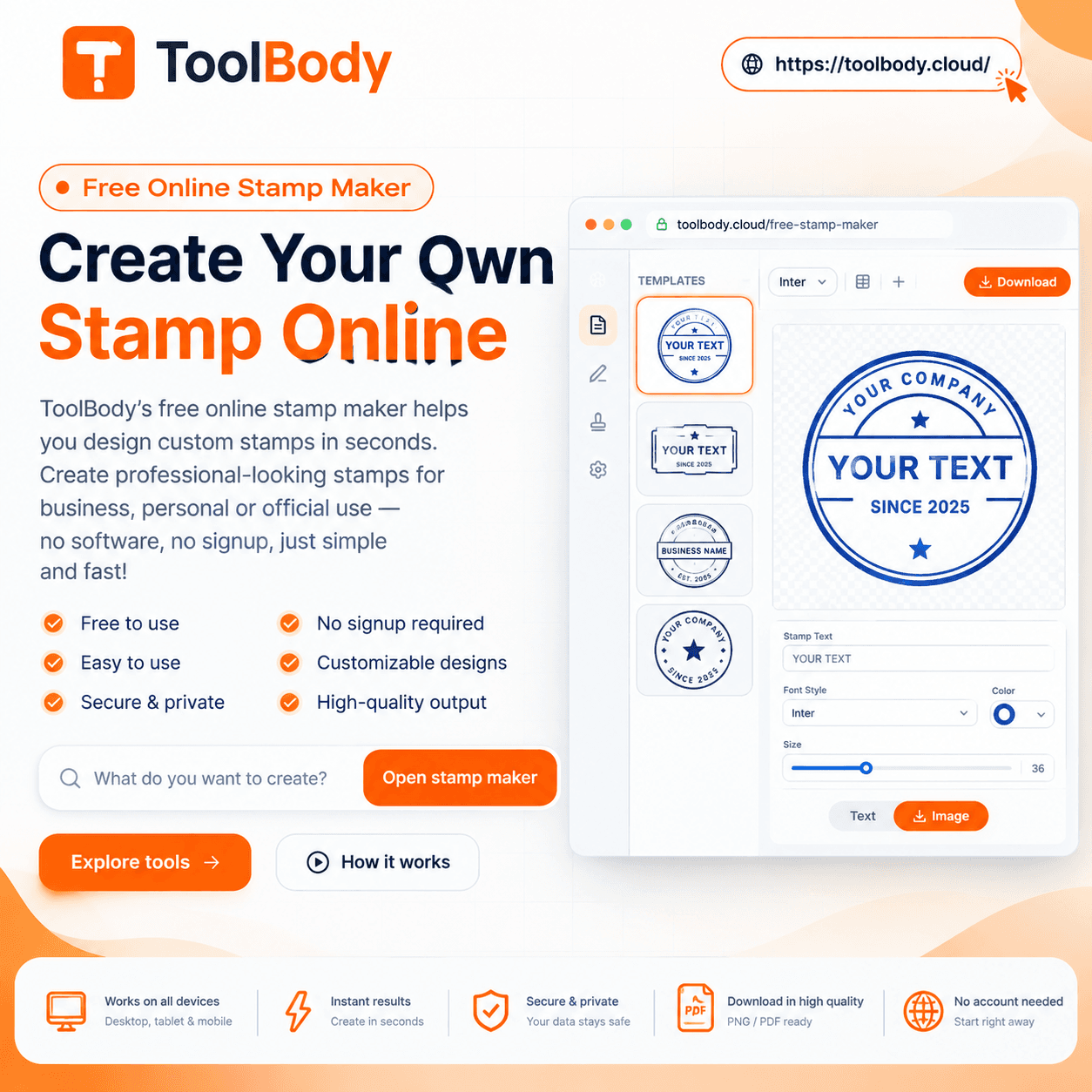
Making a Stamp Online Free: How to Do It in Under 2 Minutes
Making a stamp online free is genuinely possible - no sign-up, no watermark, no software. Design, customize, download a clean PNG in under 2 minutes.
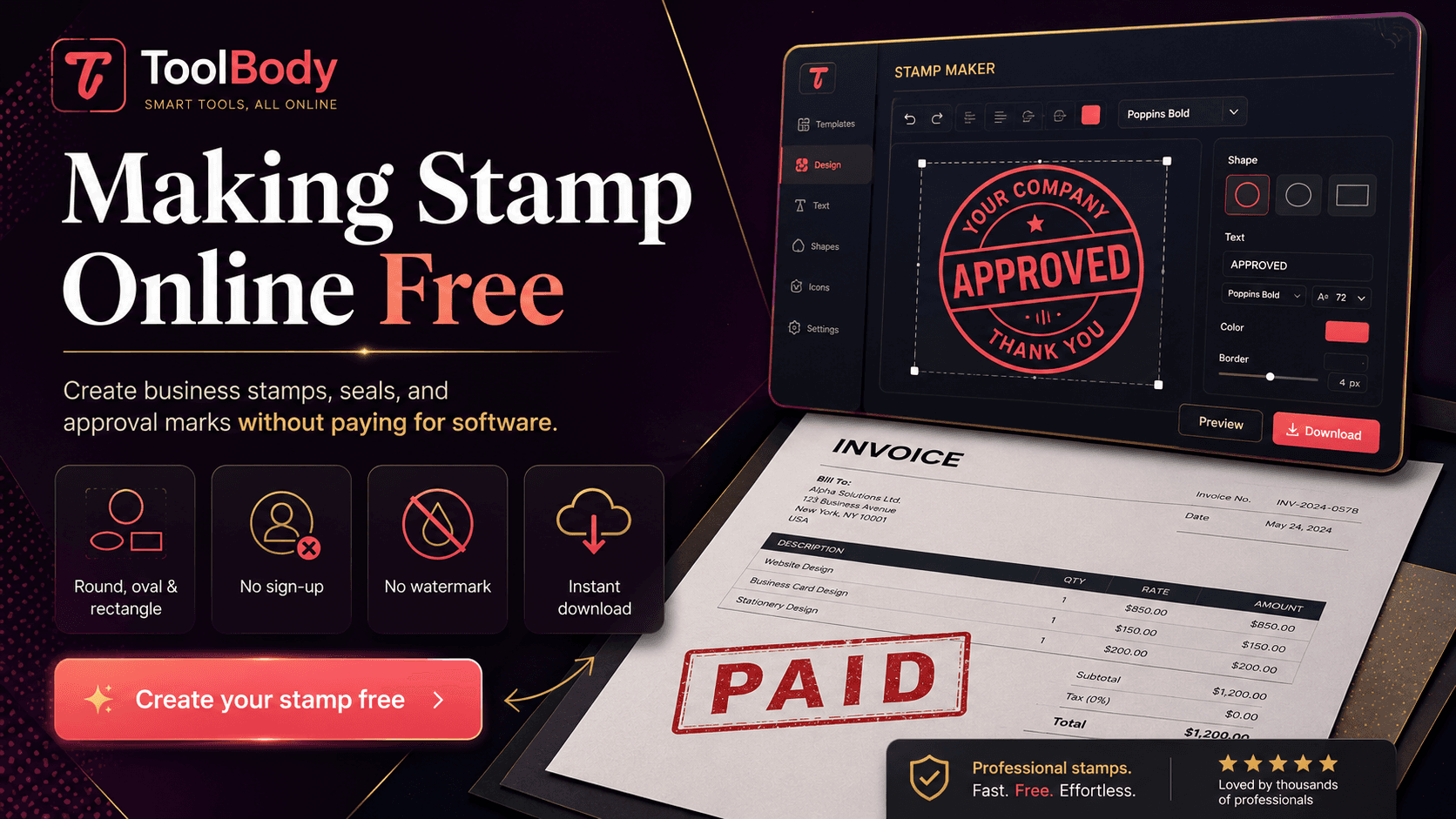
You'd think making a stamp online for free would be easy. Then you actually try it. Half the tools labeled "free" stamp generators watermark every download. Another quarter lock the SVG format behind a paid tier. Some make you sign up with an email address before you can save a file. Others let you design freely, then ask for payment at the download step. After 20 minutes of dead ends, you're ready to just hire a designer or buy Adobe Illustrator.
There's a better answer: a genuinely free online stamp maker that does what the label promises. No sign-up, no watermark, no daily limit, no hidden upsells. Design your stamp in under 2 minutes, download a clean PNG (or SVG, or PDF), and use it immediately on any document or send it to a print shop for a physical stamp.
This guide walks through the whole process — what's possible, what to expect, how to make different kinds of stamps, and how to avoid the common mistakes that produce ugly results.
Yes, making a stamp online free is genuinely possible
A real expectation-setting moment, because the internet is full of tools that misrepresent "free":
What "genuinely free" should mean:
No watermark on the downloaded file
No account creation or email required
No daily usage limit
No format restrictions (PNG, SVG, PDF all available)
No upsell at the download step
Use the file for any commercial or personal purpose without licensing fees
What "fake free" usually looks like:
Free design, but watermarked download unless you pay $5-15
Account required before any file can be exported
"Free PNG, paid SVG" — the format you actually need is paywalled
Daily limit of 1-3 downloads on the free tier
"Free for personal use" but commercial use requires a license
The free online stamp maker covers the "genuinely free" definition above. The downloaded files are yours, with no watermark, no restrictions, and no expiration. The whole tool is browser-based and runs in your tab — your design work isn't sent to any server, and no account tracks your usage.
What you can make with a free online stamp maker
Almost every type of business and personal stamp:
Business stamps
Logo stamps with your company logo in the center and curved text on the arcs
Company seals for formal corporate use (full company name, entity type, year)
Workflow stamps like APPROVED, PAID, RECEIVED, REVIEWED, VOID
Bilingual stamps with English on top and another language (Arabic, Chinese, Spanish, French) on the bottom — particularly relevant for UAE, GCC, and other multilingual markets
Date stamps with a date field for receipt and processing
Address stamps for return mail
Department or division stamps for internal company use
For deeper guidance on logo stamps specifically, see how to design a logo stamp for your business.
Personal stamps
Monograms with two or three initials in decorative arrangement
Personal name stamps for book inscriptions, gift tags, return addresses
Signature-style stamps with your handwritten signature as the center element
Library stamps marking books in your personal library
Decorative seals for personal stationery or art
For the personal stamp deep dive, see how to design a personal name stamp.
Specialized stamps
School and library stamps for educational institutions
Office workflow stamps for accounts payable and receivable processing
Notary-style decorative stamps (decorative only — not actual notary seals)
Achievement and award badges in shield or badge shapes
Travel agency stamps for booking confirmations
What you should NOT make
Some stamps are off-limits regardless of which tool you use:
Police badges or military insignia — illegal to forge in most jurisdictions
Government agency stamps — same legal issue
Embassy or consular seals — official documents, can't be replicated
Notary public seals — issued by state authorities, not designed in any tool
Court stamps — official judicial marks
Trademarked corporate badges — replicating Nike's logo, sports team badges, etc.
Anything imitating regulated authority — even decorative versions can cause legal trouble
The free toolbody.cloud/stamp-maker-online-free">stamp maker is for legitimate business and personal stamps, not for forging authority marks. Don't try to push past this — the legal consequences are serious in most jurisdictions.
Step-by-step: making your stamp online free
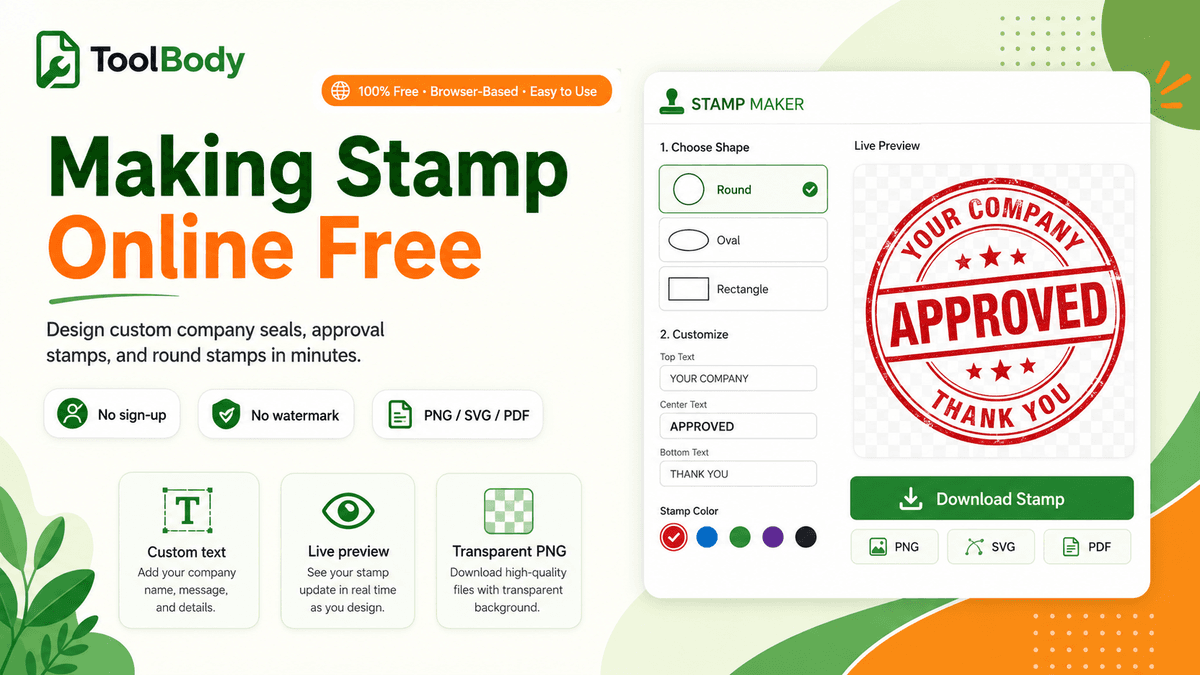
The complete workflow from blank canvas to finished PNG.
Step 1 — Open the stamp maker
Go to the free online stamp maker in your browser. The editor opens immediately — no account, no permissions prompt, no waiting.
Step 2 — Pick a shape
The shape sets the visual identity of the stamp:
Round — the classic and most versatile. Works for company seals, logo stamps, workflow stamps, monograms, and most general business uses. Pick this if you're not sure.
Oval — slightly more elegant. Accommodates longer company names that don't fit comfortably in a circle.
Rectangular — best for address stamps, date stamps, or workflow stamps with multiple lines of text rather than curved arcs.
Custom shapes — hexagonal, scalloped, shield, badge — for stamps where the shape itself carries meaning (achievement badges, certifications, decorative seals).
Browse the stamp templates by category if you want a starting point rather than a blank canvas.
Step 3 — Add your text
The text content depends on the stamp's purpose:
For a company logo stamp:
Top arc: company name as curved text
Center: company logo (uploaded as PNG)
Bottom arc: supporting details (city, year founded, license number, or tagline)
For a workflow stamp (PAID, APPROVED, RECEIVED):
Center: the workflow status word in bold, large text
Top or bottom arc (optional): company name or supporting context
Date field if it's a date-stamped status
For a personal monogram:
Center: your initials, often arranged with the last initial larger in the middle (traditional three-letter monogram style)
Optional decorative border on the outer edge
For a bilingual stamp:
Top arc: company name in one language (often English)
Bottom arc: same name in the other language (often Arabic for UAE/GCC stamps)
Center: logo or entity type
The Stamp Maker handles curved text on both top and bottom arcs automatically. For Arabic and other right-to-left languages, the text direction is rendered correctly.
Step 4 — Add a logo or center element
If you have a business logo, upload it. The Stamp Maker accepts:
PNG (preferred) — make sure it's transparent background, not JPG with white background
SVG — vector format works for clean scaling
The logo appears in the center of the stamp. Resize using corner handles to fit the available center area. Don't make it so large that it crowds the curved text or so small that it gets lost.
If you don't have a logo, the center can hold text instead — your business name, initials, entity type, or a date field.
Step 5 — Choose color
Stamp colors carry meaning:
Blue — the most common business stamp color. Professional, neutral, works for any context.
Red — high-attention. Used for stamps that need to grab the eye (PAID, APPROVED, VOID).
Black — formal, classic, works for everything but feels more reserved than blue.
Brand color — if your business has specific brand colors, use them for stamp consistency across your documents.
For physical rubber stamps specifically, design with a single solid color. Multi-color physical stamps require expensive multi-pass printing that most print shops don't offer.
Step 6 — Download
Click the download button. Pick your format:
PNG (transparent background) — for digital documents, drops cleanly onto any background
SVG — vector format, scales to any size, for ordering a physical rubber stamp
PDF — for direct insertion into PDF documents
For most uses, download both PNG (for immediate digital use) and SVG (as the editable source). Save the files somewhere you'll find them again — most users put them in a "Business Documents" folder or cloud storage.
Total time from blank canvas to finished file: under 2 minutes once you've used the tool once.
What you can't do free online
Honest limitations to set expectations correctly.
You can't produce a physical stamp
The free online stamp maker designs digital stamps. To get a physical rubber stamp (with a handle and ink pad, the kind you press onto paper), you need to:
Design the stamp digitally in the free stamp maker
Download the SVG file
Send the SVG to a rubber-stamp manufacturer
Pay $15-30 for physical stamp production
Wait 2-7 business days for delivery
The free design step covers the work that costs $50-200 with a freelance designer. The physical production step still costs money (because it involves physical materials and labor), but it's typically only $15-30.
You can't replicate copyrighted designs
The stamp maker won't help you copy someone else's logo, brand mark, or registered design. If you want a stamp featuring a corporate logo, you need to own the rights to that logo. For your own business's logo, no problem; for someone else's, you'd be infringing copyright regardless of which tool you use.
You can't create a notary seal or government authority mark
Mentioned above but worth emphasizing. These require official authority designations that no design tool can grant. Don't try.
You can't get a tamper-evident digital stamp
A free stamp image is just an image — anyone with PDF editing software could remove it. For legally tamper-evident document signing, you need a regulated e-signature platform with cryptographic authentication. For everyday business stamps, the image approach is fine.
Common mistakes when making a stamp online
Six mistakes that produce ugly or unusable stamps.
Mistake 1 — Cramming too much text on the stamp
A stamp at 35mm round has limited readable space. Trying to fit your company name, address, phone, email, website, slogan, license number, and entity type all on one stamp makes everything illegible. Pick the 2-3 most important elements and stop there.
Mistake 2 — Using thin decorative fonts
Elegant scripts and thin serif fonts look great on a computer screen at full size. At actual stamp size, the fine strokes vanish, leaving a blurry blob. Use medium or bold weights for any text on stamps.
Mistake 3 — Designing in JPG format
JPG doesn't support transparency. If you somehow end up with a JPG stamp, you've got a white box around it that ruins the appearance on any colored document. Always export as PNG (or SVG).
Mistake 4 — Designing too small
Drawing the stamp at a tiny canvas size means it gets pixelated when scaled to actual use size on a document. Design at high resolution; the stamp maker exports high-resolution PNG by default.
Mistake 5 — Mismatched fonts
Using one font for the top arc and a different one for the bottom arc looks chaotic. Use the same typeface (or at least the same family) throughout the stamp.
Mistake 6 — Mistaking the stamp for a legal authentication
A stamp identifies the business but doesn't authenticate the document the way a regulated signature does. For everyday invoices, contracts, internal documents — stamps are fine. For high-stakes legal documents requiring authenticated signing, use a regulated e-signature platform.
Tips for a clean result
A few specific recommendations that separate good stamps from great ones.
Use the right shape for the content
Round for general business, oval for longer names, rectangular for address/date stamps, custom shapes only when the shape itself carries meaning. Don't pick an unusual shape just for novelty.
Match the stamp color to its purpose
Blue for general professional use. Red for high-attention workflow stamps. Black for formal corporate seals. Don't randomize colors — each color decision should have a reason.
Keep curved text short
Long company names on curved arcs get cramped. If your full company name is 6+ words, consider using a trading name or abbreviation for the stamp.
Test the stamp at actual use size
Design the stamp, then look at it at the size it will appear on documents (about 35mm round for typical business stamps). If anything becomes unreadable at that size, redesign.
Save both PNG and SVG
PNG for immediate digital use, SVG as the editable source file. Lose the SVG and you can't easily modify the stamp later without redesigning from scratch.
Using your stamp once it's made
Once you've downloaded the PNG, the practical uses:
On digital documents
PDFs: insert the PNG using any PDF editor. See how to add a stamp to a PDF for the step-by-step.
Word and Google Docs: Insert → Picture, then set wrap to "in front of text" so you can position the stamp anywhere.
Emails: add as an inline image in your email signature.
Invoices: upload directly to the invoice maker's stamp upload field — see how to add a signature and stamp to an invoice for the full workflow.
As a physical rubber stamp
Send the SVG file to any rubber-stamp manufacturer
Specify dimensions in millimeters (35mm round is a good default)
Pay $15-30 for production
Receive the physical stamp in 2-7 business days
On packaging and branded materials
Print on shipping boxes, paper bags, gift wrapping
Brand handmade items, art, baked goods
Mark business cards or stationery
Start making your stamp now
The whole free workflow lives at ToolBody:
Open the free online stamp maker
Pick a shape, add text, upload logo, choose color
Download as transparent PNG (and SVG if you might want a physical version later)
About 2 minutes from blank canvas to finished file. No sign-up. No watermark. No daily limit. The file is yours.
If you want browse-first rather than design-from-scratch, see the stamp template categories for designs organized by use case (round seals, office workflow, school, date, custom shapes, and more).
Related guides
The free online stamp maker — the tool itself
How to design a logo stamp for your business — business logo stamps in depth
How to design a personal name stamp — personal stamps and monograms
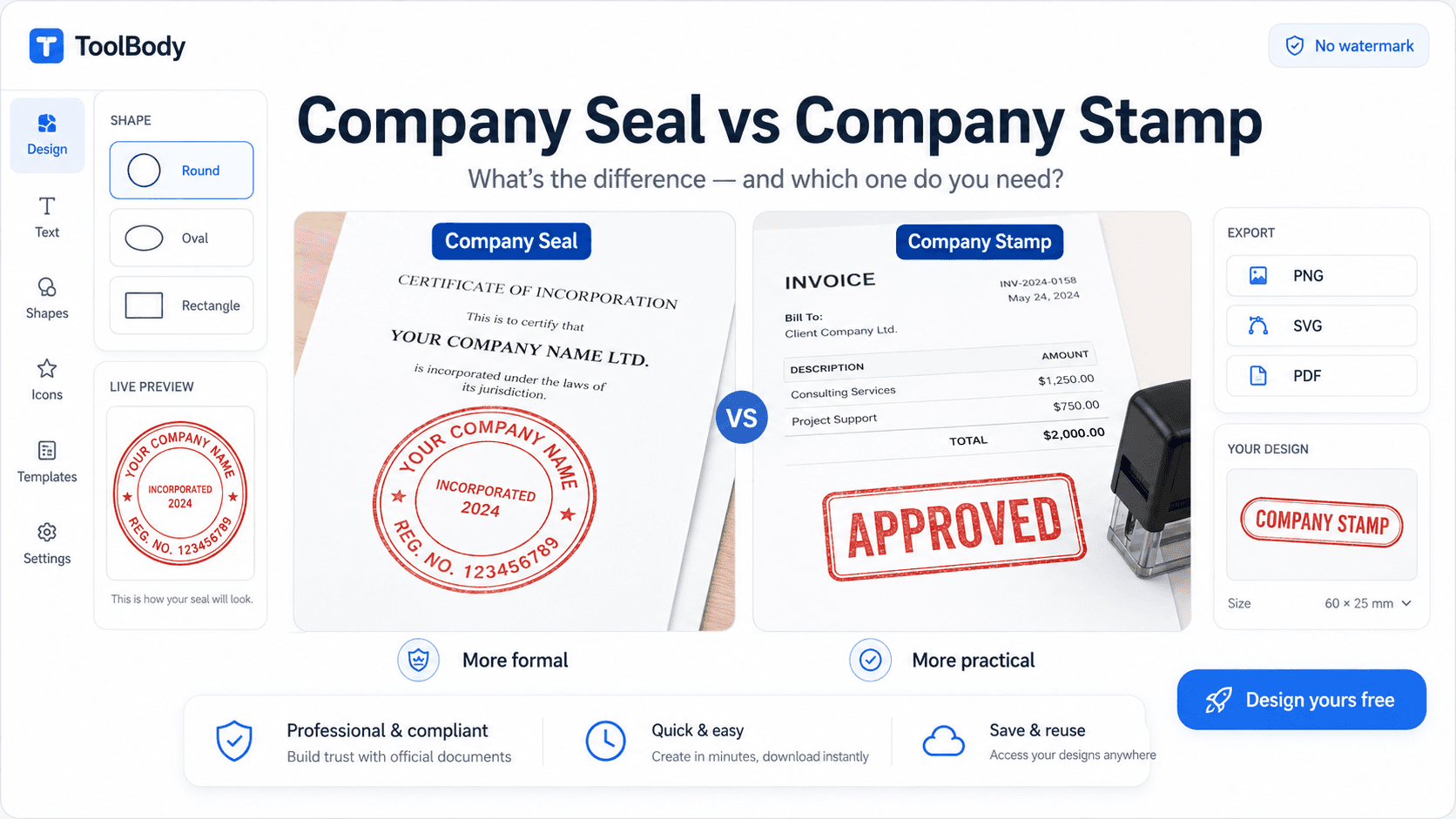
Company seal vs company stamp — what to put on each
How to add a stamp to a PDF — using your finished stamp
How ToolBody works — overview of the three-tool workflow
FAQs
Yes - genuinely free, no sign-up, no watermark, no daily limits, no hidden upsells. The free online stamp maker on ToolBody is browser-based and processes everything locally during your session. The downloaded file is fully yours to use - no branding from the tool, no expiration date, no licensing restrictions. Many other tools claim to be free but watermark exports, require account creation, or lock formats behind paid tiers - those aren't free in the practical sense. The genuinely free option exists.
No. The whole tool runs in your web browser. There's no app to install, no plugin, no download required. Works on Windows, Mac, Linux, iOS, Android - anywhere with a modern browser. The first time you use it takes about 60 seconds to learn; subsequent uses take seconds because the interface is straightforward.
Three main formats are supported: PNG with transparent background (best for digital documents like PDFs, Word, Google Docs, emails, web pages), SVG vector format (best for sending to a rubber-stamp manufacturer to produce a physical stamp), and PDF (for direct insertion into PDF documents). Download both PNG and SVG if you might want a physical version later - the SVG is the print-shop-ready source file.
Almost any kind of business or personal stamp: company logos, official company seals, workflow stamps (APPROVED, PAID, RECEIVED, DRAFT, VOID), date stamps with date fields, address stamps for return mail, school and library stamps, monograms and personal name stamps, bilingual stamps for UAE/GCC and other multilingual markets, signature-style stamps, decorative seals, and more. The only stamps you shouldn't make are regulated authority stamps - police, military, government agency, notary, embassy, court seals - which are illegal to forge regardless of which tool you use.
No. The downloaded PNG and SVG files contain only your stamp design - no watermark, no tool branding, no 'made with' text. The files are clean and ready to use immediately on any document. This is one of the key differences between genuinely free tools and freemium tools that watermark exports to force you onto paid plans.
No. There's no daily limit, no monthly cap, no usage restrictions. You can design 100 different stamps in a day if you want to. Each stamp is downloaded as a separate file. The tool doesn't track your usage or limit your free creations.
Yes. Download the SVG export from the stamp maker - SVG is vector format that rubber-stamp manufacturers can produce physical stamps from. Send the SVG file to any rubber-stamp print shop with your size specification in millimeters (most business stamps are 30-40mm round). Typical cost: $15-30 per physical stamp, 2-7 business days for delivery. The same SVG file works for multiple stamp orders.
Any modern browser works - Chrome, Firefox, Safari, Edge, and most mobile browsers. The tool is built on standard web technology and doesn't require any specific browser features beyond what all modern browsers support. Mobile browsers work fine; touchscreen drawing for signature-style stamps is actually easier on mobile than desktop.
The stamp maker is browser-based and saves drafts in your browser's local storage during your session. If you stay on the same device and browser, you can return to refine your design. For permanent storage, download the SVG file - it's the editable source format. PNG exports are flattened images that can't be edited (the design is locked in). Most users save both formats: SVG as the editable master, PNG as the ready-to-use version.
Yes - regulated authority stamps. Don't design stamps that look like police badges, military insignia, government agency seals, embassy or consulate stamps, court stamps, notary seals, or any official authority mark. Even when the design is in your own name, anything that visually resembles regulated authority can constitute impersonation or forgery in most jurisdictions. The free stamp maker is for legitimate business and personal stamps - not for replicating government or legal authority marks.