Stamp Maker Online Free: Create Round, Company and Date Stamps Instantly
Use our stamp maker online free to design round, rectangle, company and signature stamps. Add dates, upload an image, and download in PNG, SVG or PDF.
Stamp Maker Online Free: Design and Download Your Own Stamp in Minutes
A stamp gives a document a finished, official look. Invoices, receipts, contracts, certificates and approval letters all feel more trustworthy when they carry one. Not long ago, getting a stamp meant visiting a print shop, paying for a rubber die and waiting several days. Today, a stamp maker online free lets you design a stamp from any phone or computer and download it within minutes.
This guide explains how an online stamp generator works, which stamp types you can create, and how to get a clean, professional result. Whether you run a small business, work as a freelancer or manage paperwork in an office, you will find practical advice you can use right away.
What Is a Free Online Stamp Maker?
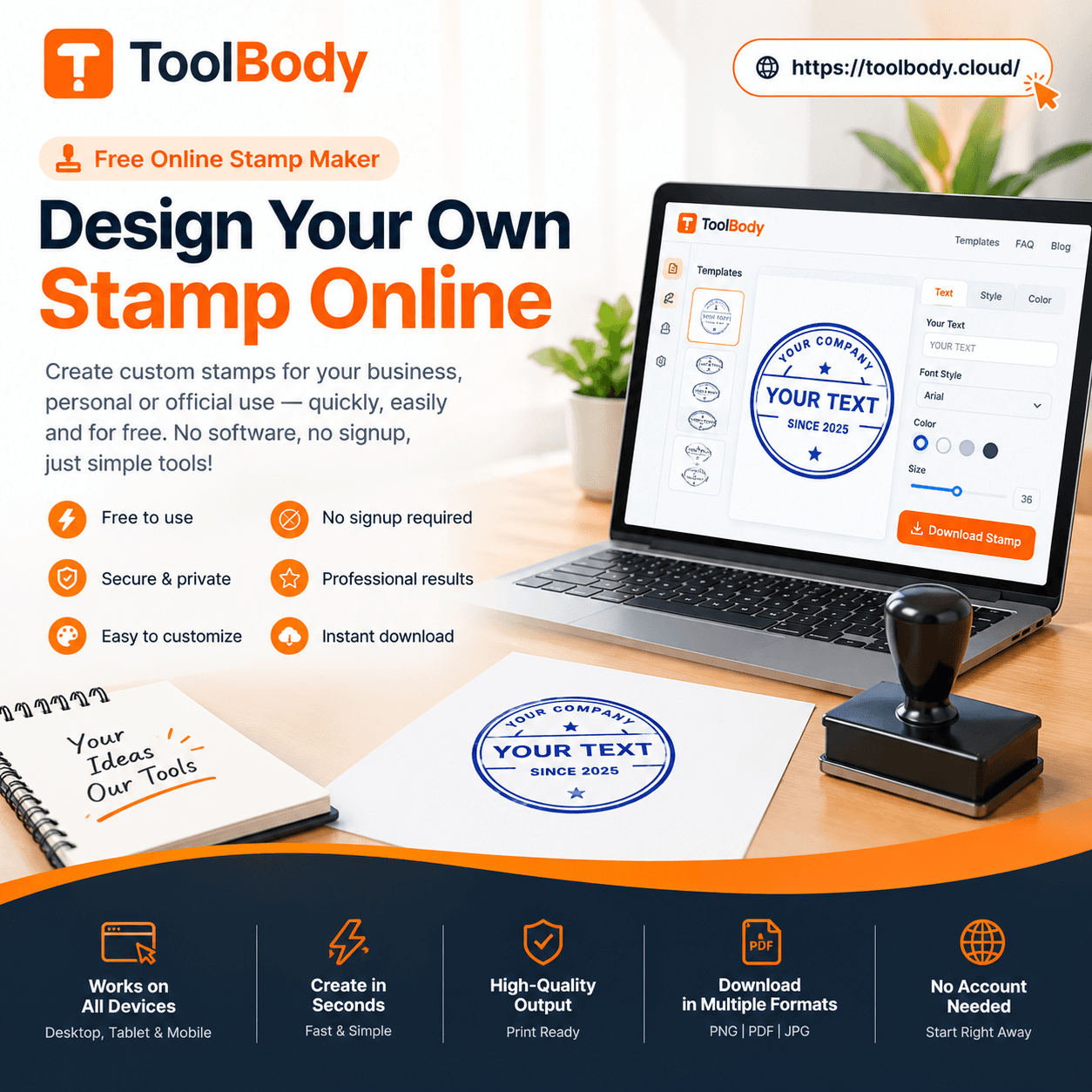
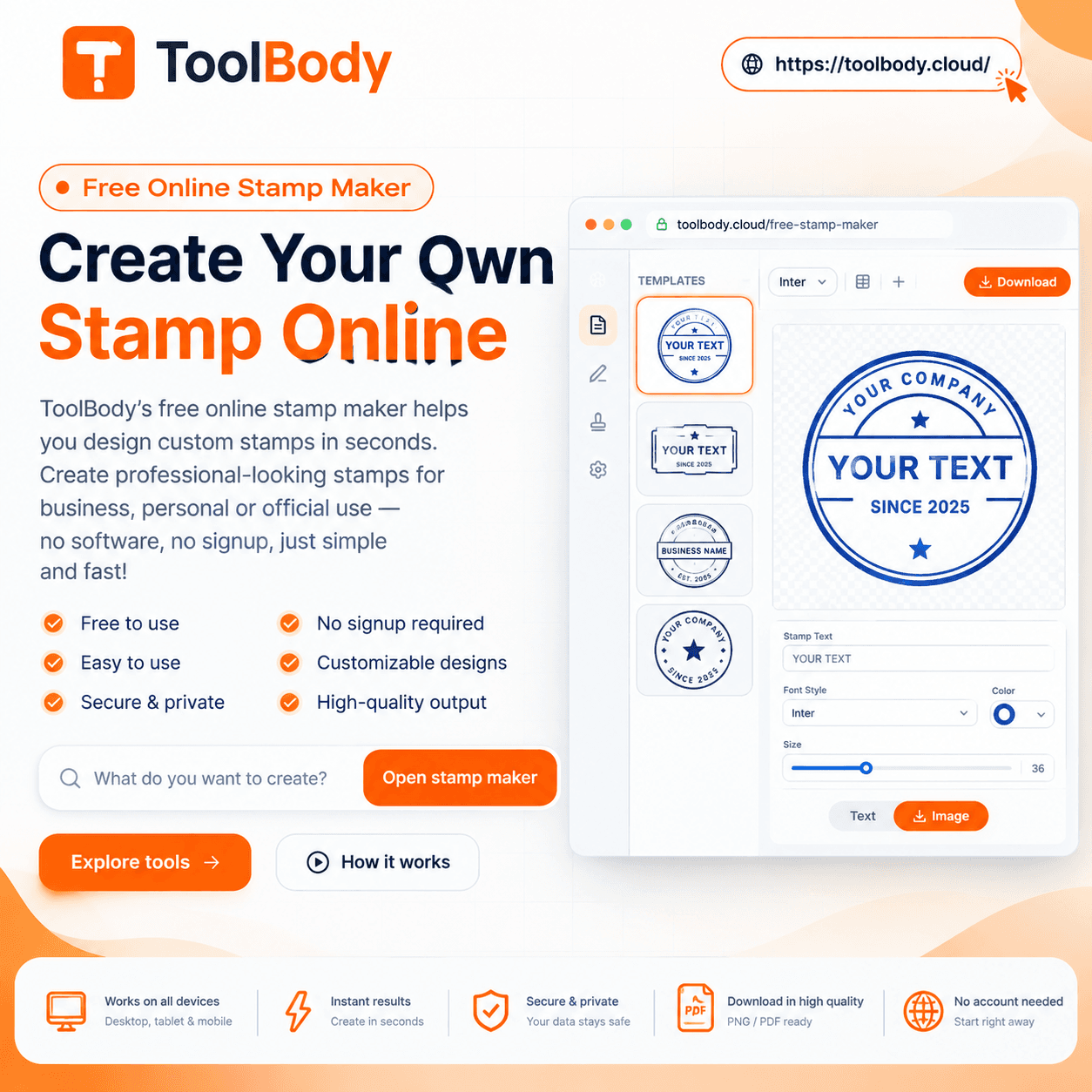
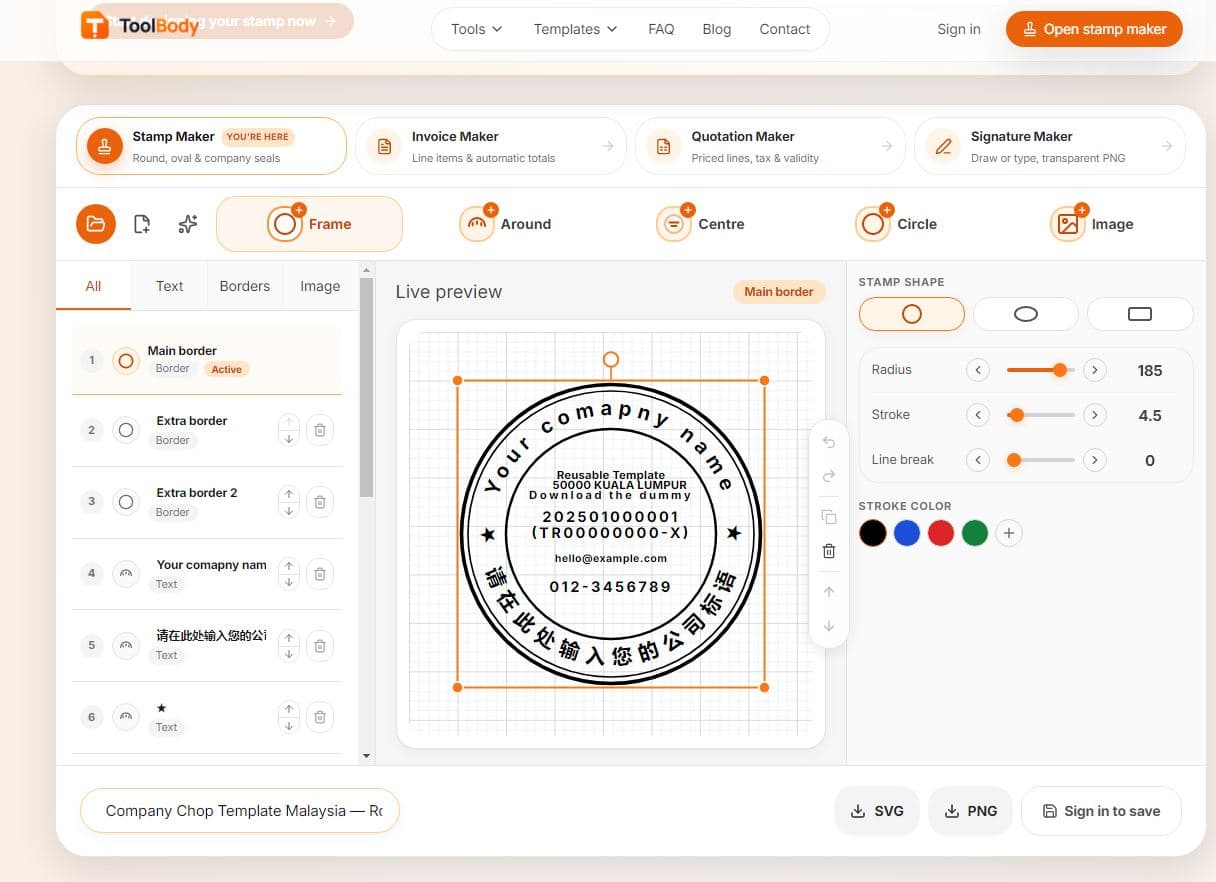
A free online stamp maker is a web-based tool that lets you build a digital stamp without installing software or learning graphic design. You type your text, choose a shape, select a colour and add optional details such as a date, logo or symbol. A live preview shows exactly how the stamp will look, and when you are satisfied, you download the file.
Most people use digital stamps for invoices, receipts, PDF contracts, business letters, certificates, delivery notes and internal approvals. Because the stamp is a file, you can reuse it as many times as you like, which saves both money and time.
Why Use an Online Stamp Maker?
The biggest advantage is speed. You can create a stamp in under five minutes, and you can change it whenever your details change, such as a new address or company name. There is no minimum order, no shipping and no waiting.
Cost is another reason. A basic stamp costs nothing to design, so small businesses and students can get a professional look without spending money. Finally, digital stamps work perfectly with modern workflows. If you send invoices by email or sign agreements in PDF form, a digital stamp fits naturally into the process, while a physical rubber stamp does not.
Round Stamp Maker Online Free
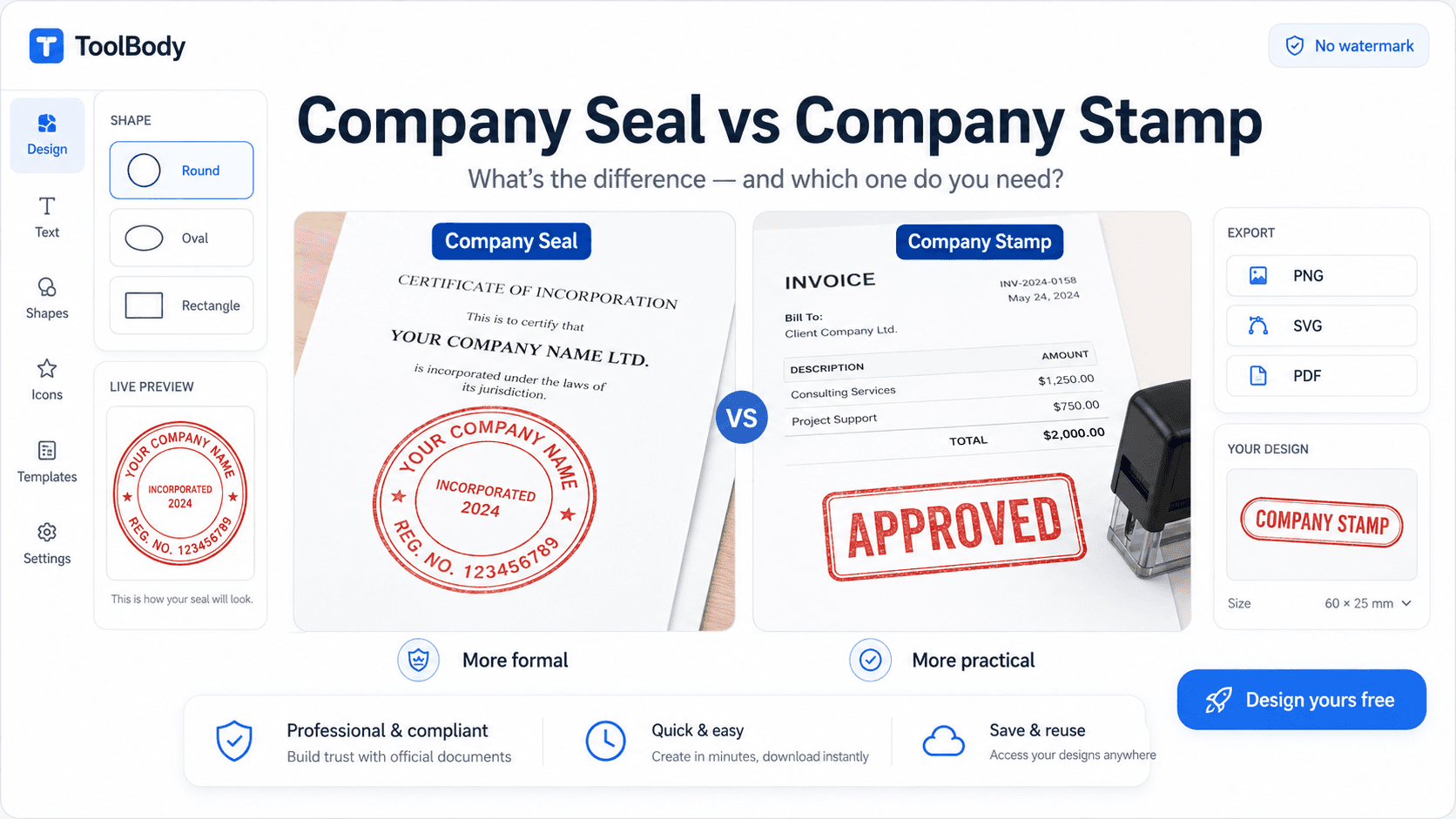
The round stamp is the classic business seal. Your company name curves around the outer edge, while a short line, number or symbol sits in the centre. This layout looks formal and authoritative, which is why it is common on company letterheads, certificates and official forms.
A round stamp maker online free is the best choice when you want a traditional look. Keep the outer text short enough to sit comfortably around the circle, and use a thin double border for a polished finish. Blue and red are popular colours because they stand out clearly on white paper.
Rectangle Stamp Maker Online Free
Rectangle stamps are ideal for short, bold messages such as “PAID”, “APPROVED”, “RECEIVED” or “URGENT”. They are also the natural choice for address stamps and name-and-designation stamps, where you need several lines of text.
A rectangle stamp maker online free gives you more horizontal space than a round design, so your text stays easy to read even at small sizes. Use capital letters for single-word status stamps, and a clear sans-serif font for multi-line details.
Company Stamp Maker Online Free
A company stamp usually includes your business name, city, registration number or a short tagline. It tells the reader at a glance which organisation issued the document.
With a company stamp maker online free, you can match the stamp to your brand colours and use it consistently across every invoice, quotation and letter. Consistency matters because it builds recognition. When clients see the same stamp on every document, your business looks organised and reliable.
Signature Stamp Maker Online Free
If you sign many documents each day, a signature stamp saves a lot of effort. A signature stamp maker online free lets you turn your typed name, or an image of your handwritten signature, into a reusable stamp that you can place on any file.
This is useful for routine approvals, internal memos and standard letters. However, remember that some legal documents require an original handwritten signature. Use a digital signature stamp for everyday work, and sign by hand whenever the law or the receiving institution demands it.
Free Online Date Stamp Generator
Many documents need a date to show when they were received, reviewed or processed. A free online date stamp generator lets you add today’s date, or any date you choose, in the format you prefer, such as DD/MM/YYYY or MM/DD/YYYY.
Date stamps are popular for incoming mail, receipts, HR paperwork, school records and warehouse documents. You can combine a date with a short label like “RECEIVED” or “PROCESSED” to create a stamp that records both the action and the time it happened.
Stamp Maker Online Free From Image
Sometimes you already have a logo, a scanned stamp or a signature on paper. A stamp maker online free from image feature lets you upload that picture and place it inside your stamp design, combining it with your own text.
For the best result, follow these rules. Upload a high-resolution image, because a blurry file will produce a blurry stamp. Use a plain or transparent background so the image blends cleanly with the stamp. Keep the image simple, since fine details can disappear when the stamp is resized. If your scan has a grey or off-white background, clean it with a free photo editor before uploading.
AI Stamp Generator Free
An AI stamp generator free tool can suggest layouts, fonts and styles from a short description, such as “blue round stamp for a law firm”. This is helpful if you are not a designer and want ideas quickly.
Treat the AI result as a starting point, not a final product. Always check spelling, spacing and alignment yourself. Automatic designs can contain small mistakes, and a typo on an official stamp looks unprofessional. Once the layout looks right, adjust the colours and text until it matches your brand.
How to Make a Stamp Online: Step by Step
Choose a shape. Select round, rectangle, square or oval, depending on where you will use the stamp.
Enter your text. Add your company name, title or message. Shorter text is always easier to read.
Customise the design. Change the font, size, border style and colour. Blue, red and black are the most common stamp colours.
Add extras. Include a date, logo, signature or centre symbol if your document needs one.
Check the preview. Look closely for spelling errors, uneven spacing and text that is too small.
Download the file. Save the stamp and insert it into your document.
Free Online Stamp Maker and Download: Choosing the Right Format
A good free online stamp maker and download tool lets you save your stamp in more than one format, because each format suits a different purpose.
PNG is the most convenient choice for everyday use. With a transparent background, a PNG stamp sits naturally on top of Word files, Google Docs and PDFs. SVG is a vector format, so you can enlarge it as much as you like without losing sharpness, which makes it ideal for printing and logos. PDF is best when you want to print the stamp directly or send it as a ready-to-use file.
If you plan to print the stamp or place it on large documents, choose SVG or a high-resolution PNG so the edges stay crisp.
Tips for a Professional-Looking Stamp
Keep the text minimal, because too many words make a stamp hard to read. Use one or two colours at most, since simple designs look cleaner and more official. Choose a clear font and avoid decorative styles that become unreadable at small sizes. Use a transparent background so the stamp blends into the page. Finally, test the stamp on a sample document before using it on important files, and check how it looks both on screen and in print.
Are Digital Stamps Legal?
Digital stamps are generally fine for business uses such as invoices, receipts, internal approvals and routine paperwork. However, rules differ from country to country and from one document type to another. Some contracts, government forms and legal filings require an officially registered seal or a physical stamp.
Never copy a government, court or bank stamp, and never create a stamp that imitates another organisation. If you are unsure, check the requirements of the institution that will receive your document.
FAQs
Yes. You can design and download a basic stamp at no cost. There are no hidden charges for creating round, rectangle or company stamps.
No. You can create your stamp and download it without signing up or sharing your email address.
You can create a round stamp, a rectangle stamp, a company stamp, a signature stamp and a date stamp. Each type has its own layout, so you can pick the one that suits your document.
Yes. A round stamp works well for invoices, letterheads, certificates and official forms. Add your company name around the edge and a short line or symbol in the centre.
Yes. You can upload your logo or signature image and place it inside your stamp design. For the best result, use a high-resolution image with a plain or transparent background.
You can use the AI option to get layout, font and style ideas from a short description. Always check the spelling and alignment before you download, because automatic designs can contain small mistakes.
Choose the date option, then select today’s date or any date you need. You can pick a format such as DD/MM/YYYY or MM/DD/YYYY and combine it with a label like “RECEIVED” or “PAID”.
Choose PNG for everyday use on Word, Google Docs and PDF files, especially with a transparent background. Choose SVG if you want to resize or print the stamp without losing quality. Choose PDF if you want to print it directly or send it as a ready-to-use file.
Yes. Download a PNG with a transparent background and insert it into your PDF using any PDF editor. You can place it on invoices, receipts, contracts and letters in the same way.
Digital stamps are fine for most business paperwork, such as invoices, receipts and internal approvals. However, some contracts, government forms and legal filings require an officially registered seal or a physical stamp. Never copy a government, court or bank stamp, and check the receiving institution’s requirements if you are unsure.