Free Online Stamp Maker – Download Rubber, Seal & Company Stamps in PNG/PDF, No Watermark (App-Free)
Make a rubber stamp or company seal online for free. Design it in your browser, then download it as PNG or PDF without watermark. No app, no sign-up.
Free Online Stamp Maker: Create Rubber, Seal and Company Stamps in Your Browser
A good stamp makes a document look finished. It tells the reader that a letter, invoice or certificate comes from a real business and has been checked. Until recently, getting one meant visiting a print shop, waiting a few days and paying for a rubber stamp you could not change later.
A free online stamp maker removes all of that. You design the stamp on screen, see the result straight away and download it in the format you need. This guide explains how it works, which stamp types you can make, and how to get a sharp result every time.
What Is a Free Online Stamp Maker?
A free online stamp maker is a web tool that builds a digital stamp from your text, shape and colour choices. You do not need design skills or software like Photoshop. You type your details, adjust a few options and the preview updates live.
The finished file is a digital stamp. You can place it on a PDF, a Word file, an email or a scanned form. If you want a physical stamp as well, you can take the same design to a print shop and use it as the artwork for a rubber stamp.
Why Use It Without an App?
Many people first search for a stamp maker app, then find that it is large, full of ads or asks for payment before export. A browser-based tool avoids most of those problems:
Nothing to install, so it works on any phone, tablet or computer.
No storage used on your device.
The tool is always the latest version.
You can start and finish a stamp in a couple of minutes.
If you prefer an app-like feel, you can add the page to your phone's home screen and open it like one.
Types of Stamps You Can Make
Rubber stamp design. A classic ink-style stamp with a bold border and centred text. It suits receipts, approvals and everyday paperwork.
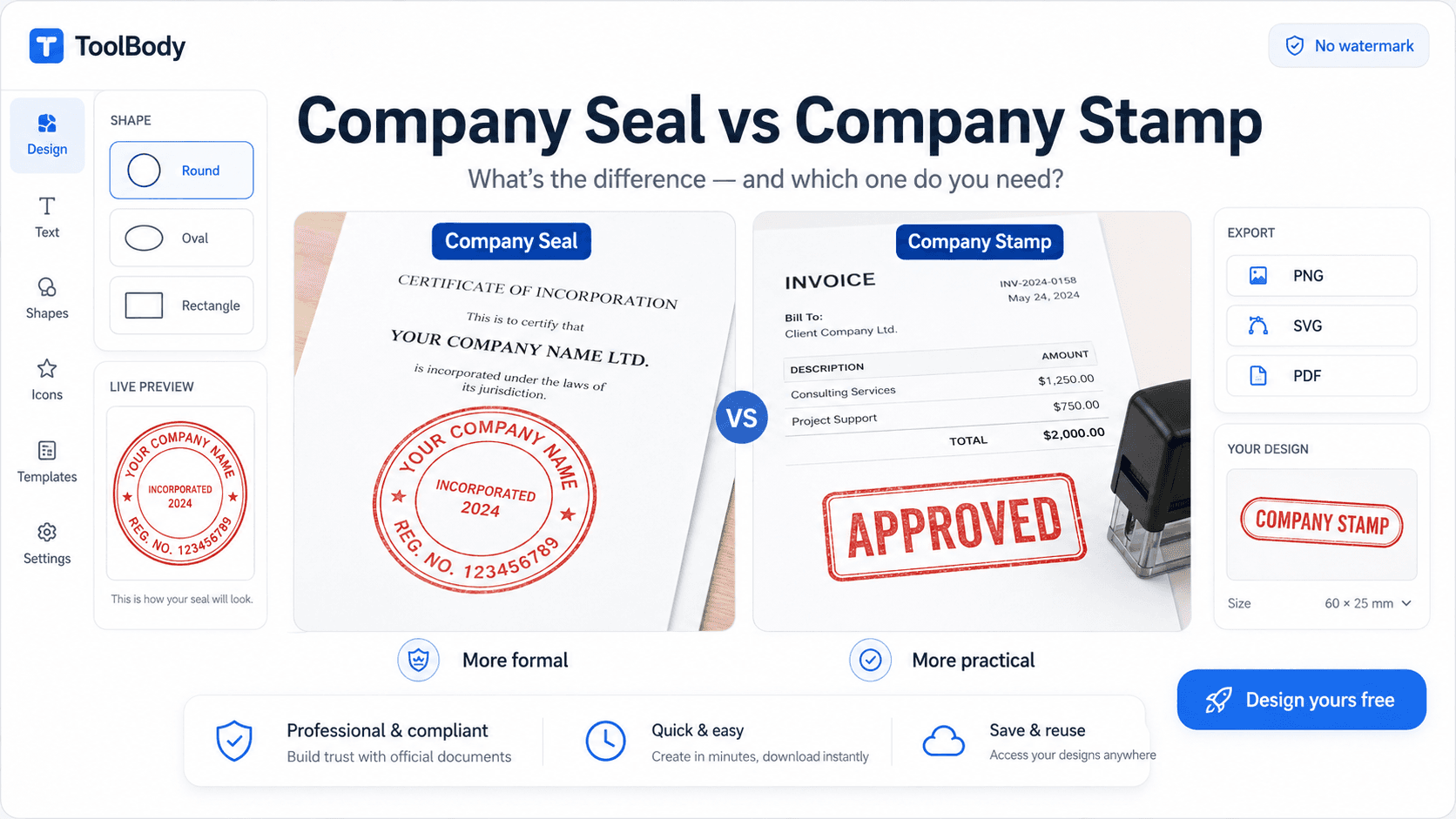
Company stamp. Includes your business name, city or registration line, and sometimes a small centre mark. It is the most common stamp for invoices, quotations and letterheads.
Round seal. A circular stamp with text running around the edge and a short line in the middle. People search for seal making when they need an official look for certificates, school documents or legal papers.
Rectangle and oval stamps. Useful for "PAID", "RECEIVED", "APPROVED" or address stamps.
Date stamps. A stamp with a date field, handy for showing when a document was received or processed.
How to Make a Stamp Online: Step by Step
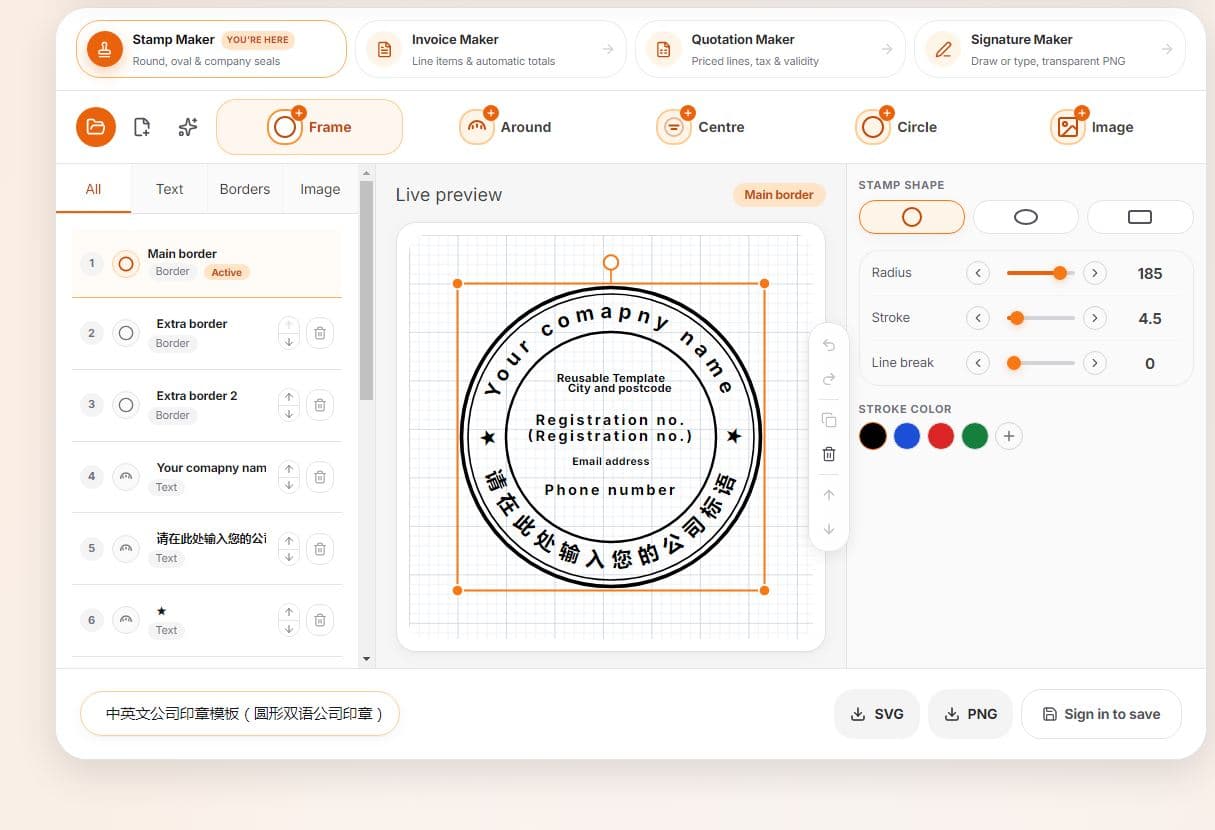
Choose the shape. Pick round, rectangle or oval depending on where it will be used.
Enter your text. Add your company name, a short slogan or a status word. Keep it brief, because long text becomes hard to read at a small size.
Set the border and font. A double border looks formal, and a single thin border looks modern. Bold, simple fonts print better than decorative ones.
Pick a colour. Blue and red are the most common stamp colours. Blue looks professional and red stands out.
Check the preview. Zoom in to make sure no letters touch the border.
Download. Save the stamp as a PNG for digital use or a PDF for printing.
PNG or PDF: Which Should You Download?
PNG is the better choice for most people. It supports a transparent background, so the stamp sits on top of a document without a white box around it. Use it for invoices, contracts, Word files and online forms.
PDF keeps the stamp sharp at any size. Choose it when you plan to print, or when you want to send the artwork to a printer for a physical rubber stamp.
Download Without Watermark
Some tools let you design for free and then place a watermark across the file, or ask you to pay to remove it. A stamp with a watermark cannot be used on real documents. Before you spend time on a design, check that the tool exports a clean file. Download a test and look at it at full size.
Tips for a Professional-Looking Stamp
Use capital letters for short words such as PAID or APPROVED, and normal case for company names.
Keep at least a small gap between text and border.
Avoid more than two fonts.
Do not add too many details. A stamp is meant to be read quickly.
Test it on a real document before using it everywhere.
Keep the original design file so you can edit it later.
Where Can You Use a Digital Stamp?
Invoices, quotations and receipts
Business letters and offer letters
Certificates and ID documents
Contracts and agreements
School and office forms
Online shop packing slips
Rules differ by country and by organisation. A digital stamp is fine for many everyday business documents, but some government offices or courts still require a physical, registered stamp. If your document is legal or official, check the requirement first.
FAQs
Yes, you can design and download your stamp without paying.
No sign-up is needed to make a stamp.
Yes. Download a transparent PNG and place it on your PDF with any PDF editor.
Yes, the tool works in a mobile browser as well as on a computer.
Yes. Download the PDF and give it to a local stamp shop as artwork.