Company Stamp Maker Online Free – AI Stamp Generator for Round, Rectangle & Signature Stamps from Image, Free Download
Company stamp maker online free: create round, rectangle & signature stamps from image with our AI stamp generator. Free download in PNG, SVG, PDF. No watermark, no sign-up, 100% free.
Company Stamp Maker Online Free – AI Stamp Generator for Round, Rectangle & Signature Stamps from Image, Free Download
Every business needs a stamp. It goes on invoices, quotations, delivery challans, letters, contracts and receipts, and it tells the reader that the paper really comes from your company. Not long ago, getting one meant visiting a local shop, waiting for days and paying for a rubber stamp you could not edit. Today a company stamp maker online free does the same job in a few minutes, right inside your browser.
This guide explains how an online stamp generator works, which stamp shapes you can create, how to make a stamp from an image, and how to download it in a clean, print-ready format.
What Is a Company Stamp Maker Online?
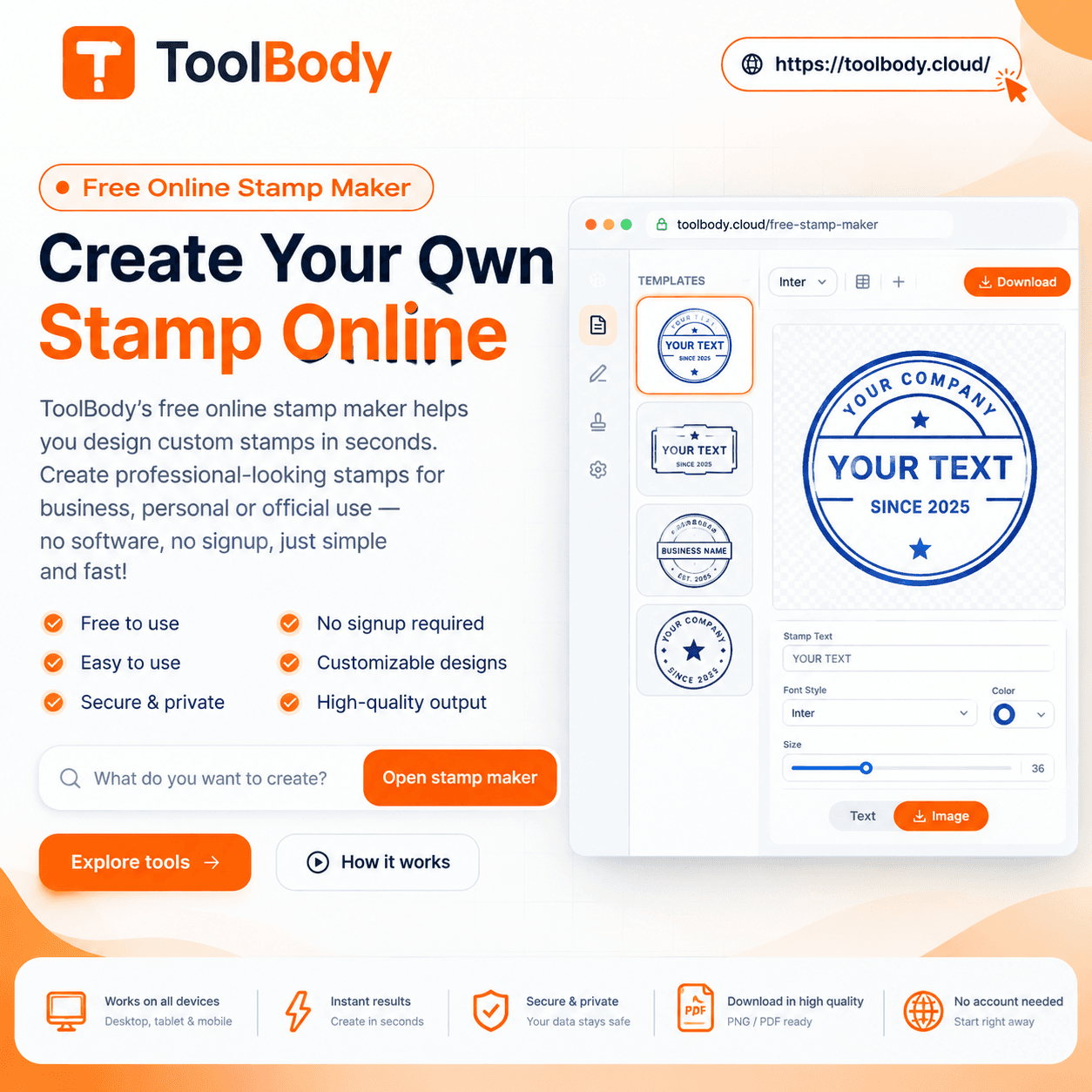
A company stamp maker online is a web tool that lets you design a digital stamp without installing software. You type your company name, add a line such as the city, registration number or department, choose a shape and a color, and the tool builds the stamp for you on screen.
An online stamp generator is built for people who are not designers. You do not need Photoshop or Illustrator. You only need a browser and a few details about your business. The result is a sharp, ready-to-use stamp that you can place on a PDF, a Word file or a printed page.
Why Choose a Free Online Stamp Maker?
There are several good reasons freelancers, shop owners and small companies now prefer a free online option.
It saves money. A custom rubber stamp costs money every time you change your address, name or phone number. A free online tool lets you redo the design as often as you like at no charge.
It saves time. You can finish a stamp in minutes instead of waiting for a printer to prepare one.
It is easy to edit. If your company moves or rebrands, you simply change the text and download a new file.
It works on any device. A browser-based tool runs on a phone, tablet or computer, so you can make a stamp wherever you are.
It fits digital work. Most invoices, offer letters and agreements are now sent as PDF files. A digital stamp with a transparent background can be placed on them directly, with no printing or scanning.
Stamp Shapes You Can Create
Different documents call for different stamp styles. A good generator gives you more than one.
Round Stamp Maker Online Free
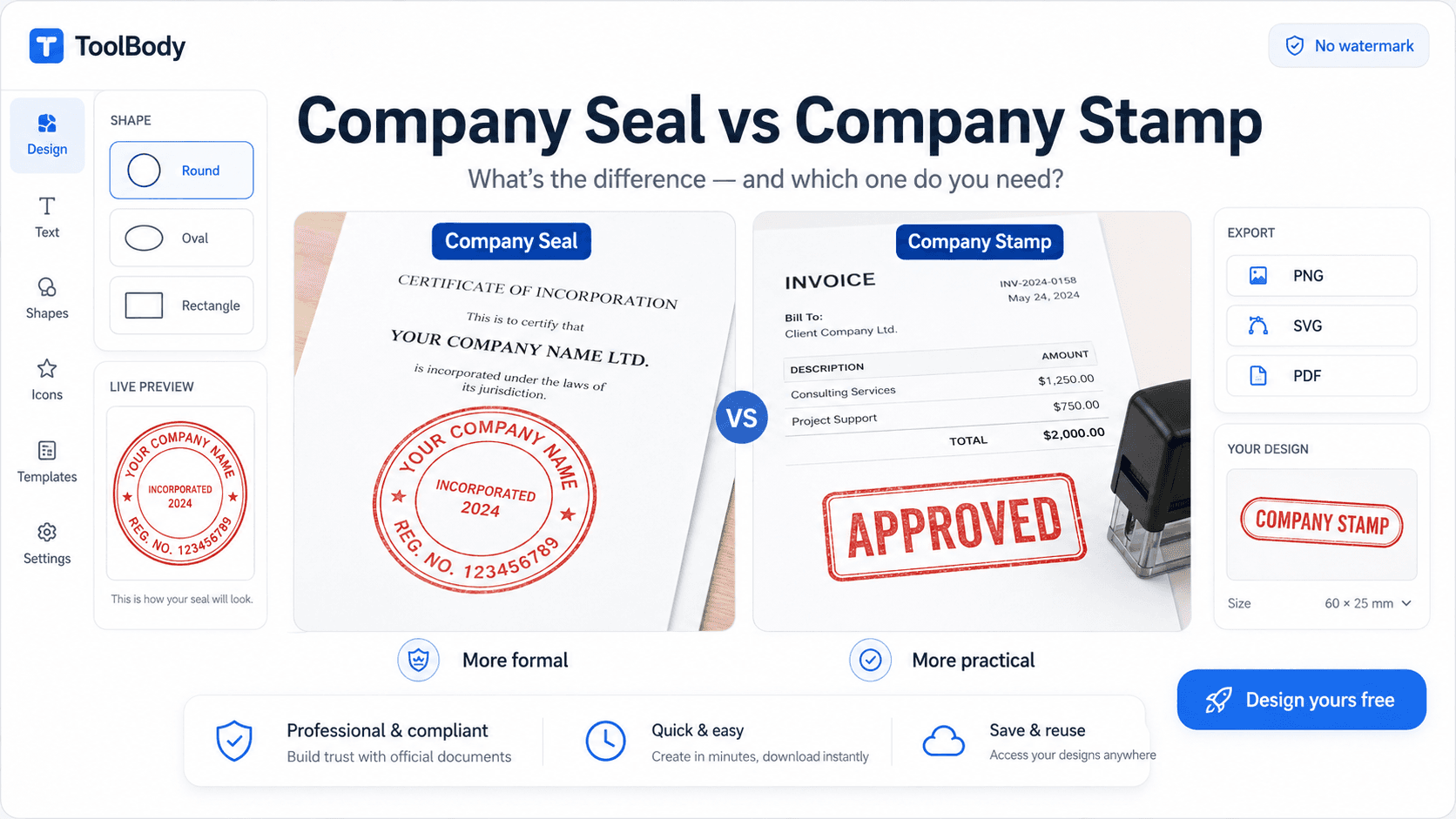
The round stamp is the classic company seal. The company name curves around the outer edge, and the center holds a short word, a number or a symbol. Round stamps look official and are widely used for registrations, certificates, approvals and formal letters. If you want something that looks traditional and trustworthy, a round stamp is the safest choice.
Rectangle Stamp Maker Online Free
The rectangle stamp is practical and easy to read. It usually holds several lines of text, such as the company name, address, phone number, tax number and email. Many businesses use it on invoices, bills and delivery notes because all the contact details fit neatly in one box. Rectangle stamps also suit labels like “Paid”, “Received”, “Approved” or “Original”.
Signature Stamp Maker Online Free
A signature stamp combines a name, a title and sometimes a signature line. Managers, doctors, consultants and accountants use it to approve documents quickly. Instead of signing the same page again and again, they place the stamp where it is needed. A signature stamp also keeps the look of a document consistent.
How to Make a Stamp from an Image
Many companies already have a logo or an old stamp that they want to keep. In that case, creating a stamp from an image is the best route.
The idea is simple. You upload your logo or a photo of your existing stamp, the tool places it in the design, and you add your text around or beside it. This keeps your brand identity and saves you from rebuilding the design from zero.
For the best result, follow these points:
Use a clear, high-resolution picture. A blurry image gives a blurry stamp.
Choose a logo with a plain background so it blends into the design.
Keep the artwork simple. Too many small details disappear when the stamp is printed at a small size.
Stick to one ink color, such as blue, red or black, so the stamp looks like a real ink impression.
What Is an AI Stamp Generator?
An AI stamp generator is a smarter way to start a design. Rather than arranging every element yourself, you describe what you need, for example the business type, name and preferred style, and the generator suggests a layout. You can then adjust the text, spacing, font and color until you are happy with it.
It is useful when you are unsure how to begin. You get a ready layout, and you only fine-tune the details. This makes the whole process quicker, especially for people who are making a stamp for the first time.
How to Use a Company Stamp Maker Online Free: Step by Step
The process is almost the same on every good tool.
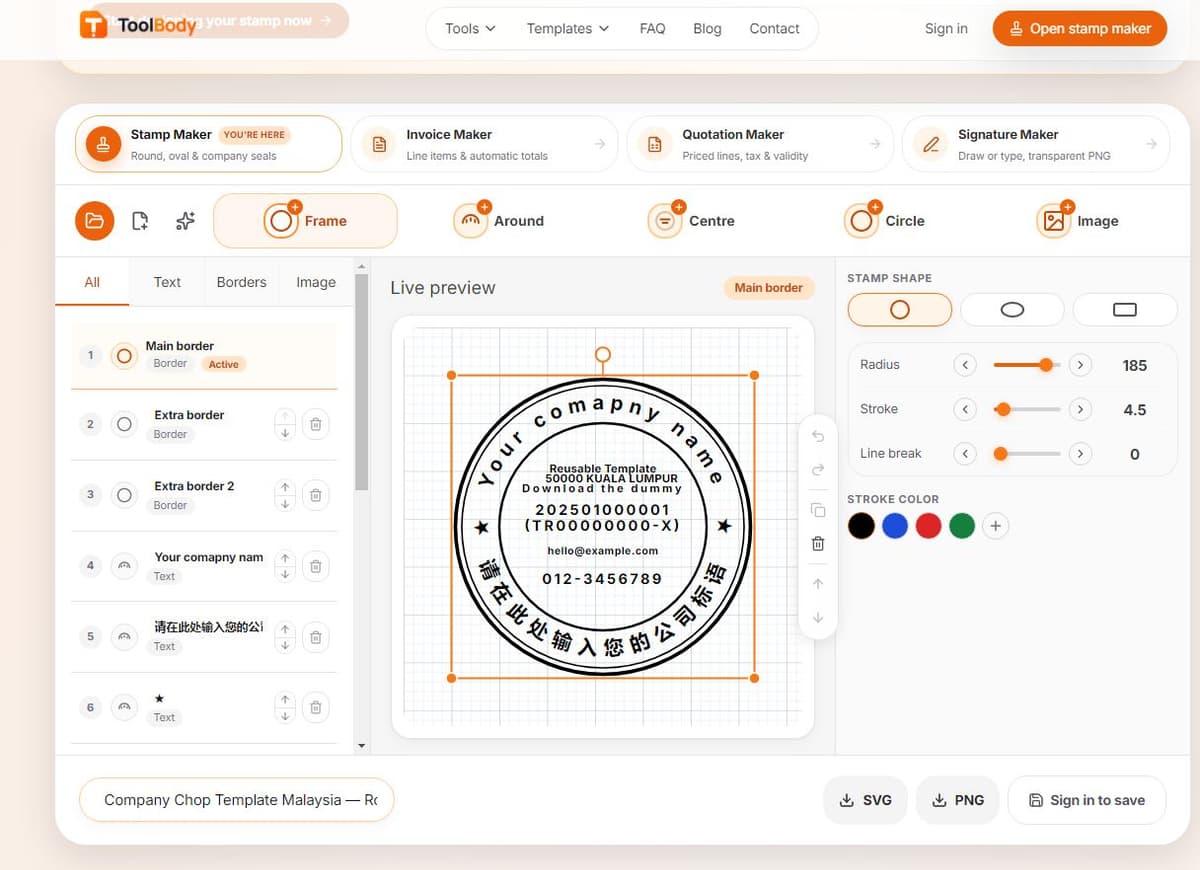
Step 1: Open the stamp maker. Visit the page in any browser. No installation is needed.
Step 2: Choose the shape. Pick round, rectangle or signature style, depending on where you will use it.
Step 3: Enter your text. Type your company name first. Add a second line for the city, registration number or department if you need one.
Step 4: Add a logo or image. If you want a branded look, upload your logo and position it in the center or on the side.
Step 5: Customize the design. Change the font, size, border thickness and ink color. Try a few versions and keep the one that is easiest to read.
Step 6: Preview. Check the spelling, the spacing and the alignment before you save anything. A single typing error can make a stamp useless.
Step 7: Download. Save the stamp in the format that fits your work.
Choosing the Right Download Format
A free download is only useful if the file format matches your task.
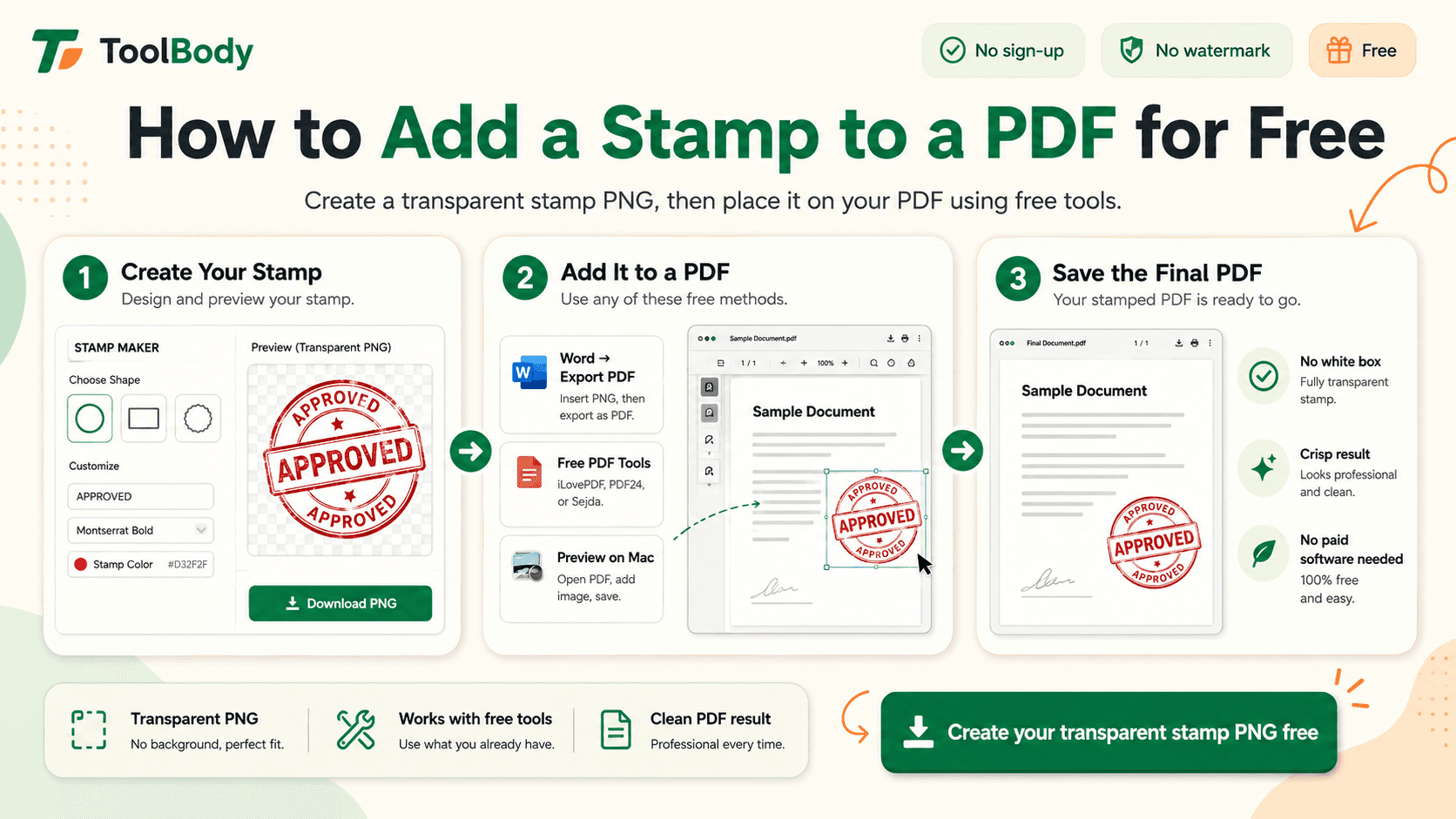
PNG is the most popular choice. With a transparent background, the stamp sits cleanly on top of any document without a white box around it.
SVG is a vector format. It can be enlarged to any size without losing sharpness, which makes it ideal for banners, large prints and professional design work.
PDF is handy when you want to print the stamp or attach it to a document that will be shared.
If you are not sure which to pick, download the PNG for everyday use and keep an SVG copy as a backup.
Design Tips for a Professional-Looking Stamp
A stamp should look serious and be easy to read. These simple habits help.
Keep the text short. Long lines make the letters tiny and hard to read once printed.
Use a clean font. Bold, simple fonts survive printing better than decorative ones.
Pick a traditional color. Blue is the most common choice for company stamps, with red and black also widely used.
Leave some space. A crowded stamp looks messy. Give the border and the text room to breathe.
Match your brand. If your logo has a specific style, echo it in the stamp so that all your papers look like they belong together.
Test before you commit. Print a small copy on plain paper and check whether every word is readable.
Where Can You Use a Digital Company Stamp?
A digital stamp is useful in many everyday tasks:
Invoices, bills and receipts
Quotations and purchase orders
Offer letters, experience letters and salary slips
Delivery notes and challans
Contracts, agreements and letterheads
Certificates and approval documents
Online forms and PDF files that must be submitted digitally
Because the stamp can be saved with a transparent background, you can drop it onto a file in seconds, and the document looks as if it was stamped by hand.
A Note on Responsible Use
A company stamp should only be created for a business that you own or represent. Making a stamp that copies another organization, or using one without permission, can cause serious legal problems. Use the tool for your own company, your own projects and your own paperwork. Also check whether the office, bank or authority you deal with requires an officially registered physical stamp, because some of them do.
FAQs
Yes. You can create and download your stamp without paying, so you can test several designs before you choose one.
No registration should be necessary. You open the tool, design the stamp and download it.
A good free stamp maker gives you a clean file with no watermark, so it looks professional on your documents.
Yes. Upload a clear logo or image, place it in the design, and add your company text around it.
Choose a round stamp for a formal seal, a rectangle for address and contact details, and a signature stamp for approvals by a named person.
Yes. Download it as a transparent PNG and insert it into your PDF or Word file. You can also export it as a PDF or SVG.
Of course. If your details change, open the tool again, update the text and download a fresh copy.