How to Create a Company Seal Online (Free & Easy)
Learn how to create a professional company seal online in minutes — no design experience needed. Download your seal as PNG, SVG, or PDF, ready to use.
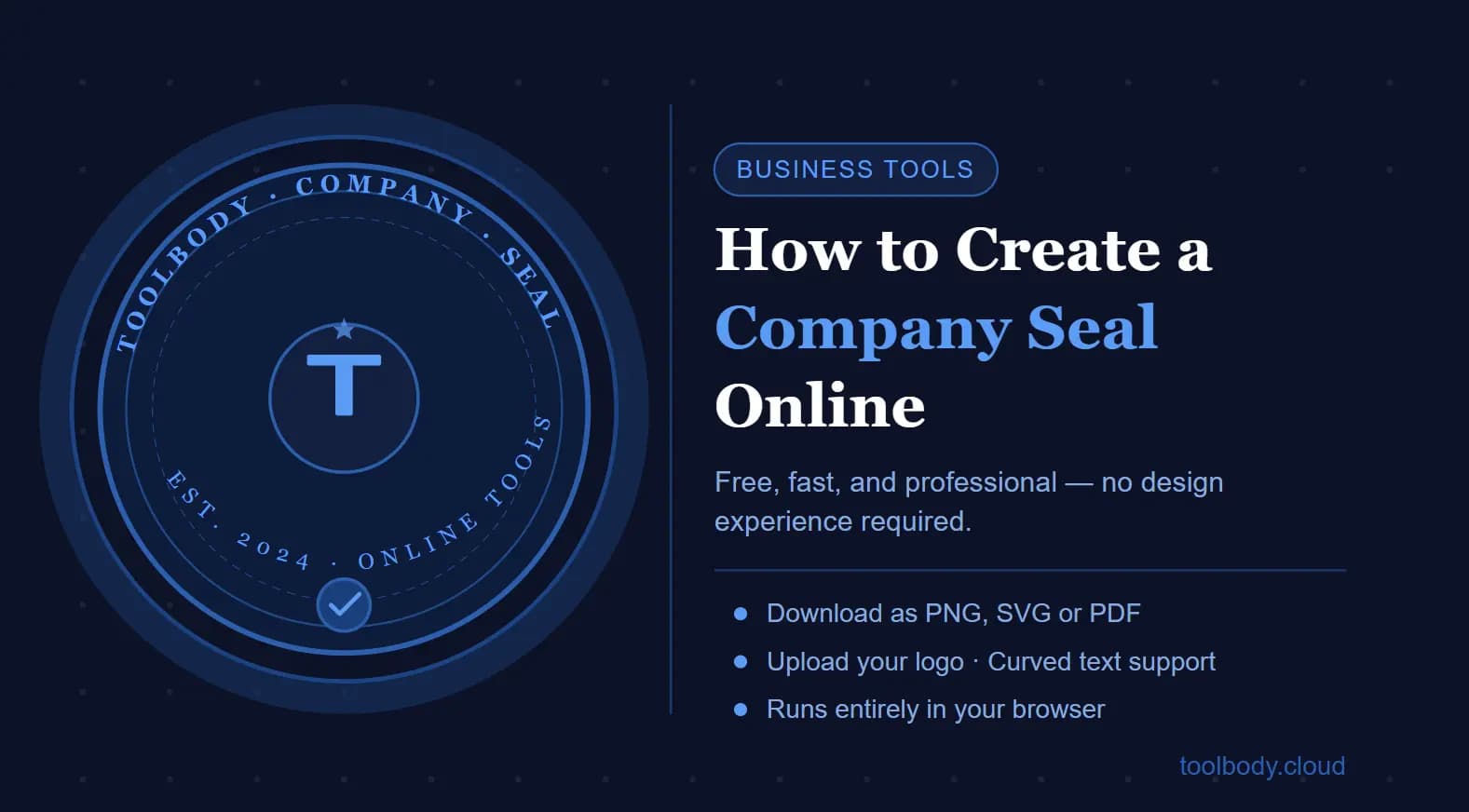
If your business needs an official seal, you no longer have to hire a graphic designer, order from a print shop, or wrestle with complicated software. Today you can create a company seal online in a matter of minutes — from your browser, on any device, with no technical skills required.
This guide walks you through everything you need to know: what a company seal actually is, why businesses use one, the difference between a seal and a stamp, what details to include, and a clear step-by-step process to design and download your own professional seal.
By the end, you will have a finished, print-ready company seal you can use on official documents, contracts, invoices, and more.
What Is a Company Seal?
A company seal — sometimes called a corporate seal or business seal — is an official emblem or mark used to authenticate a company's documents. Historically, it was a physical embossing tool that pressed a raised impression into paper or wax, giving documents a formal, legally recognised stamp of authority.
Today, the function of a company seal has evolved. Many businesses use a digital version: a designed image — typically circular — featuring the company name, registration number, year of incorporation, and sometimes a logo. This digital seal is placed on PDF contracts, certificates, letterheads, invoices, and any other formal document that benefits from an official mark.
In many jurisdictions, a physical corporate seal is no longer a strict legal requirement, but it still carries significant professional weight. A well-designed seal signals that your business is established, credible, and serious.
Why Do Businesses Use Company Seals?
The reasons are both practical and reputational:
Document authentication — A seal makes it immediately clear that a document has been officially issued by your company.
Professional credibility — A company seal adds a layer of formality and trustworthiness to contracts, agreements, and correspondence.
Brand consistency — A seal is part of your company's visual identity and reinforces your branding across all official materials.
Legal and compliance use — In some countries and sectors, seals are still required on specific documents such as share certificates, notarial deeds, and formal resolutions.
Client confidence — When clients receive a document bearing your company seal, it feels more official and binding than a plain document.
Whether you are a registered company, a startup, a freelancer operating under a business name, or a non-profit organisation, a company seal is a small investment that adds significant professional value.
Company Seal, Digital Seal, Stamp, Company Stamp — What's the Difference?
These terms are often used interchangeably, which causes some confusion. Here is a clear breakdown:
Company Seal
A formal circular design, usually featuring the company name, registration details, and sometimes a logo or crest. Traditionally embossed; now commonly used as a digital image.
Corporate Seal
Essentially the same as a company seal. The term "corporate seal" is more common in North America, while "company seal" is widely used in the UK, Australia, and most of the Commonwealth.
Digital Seal / Electronic Seal
A digital image file (PNG, SVG, or PDF) of a company seal, used on electronic documents. It carries the same visual authority as a physical seal without requiring a physical embosser.
Company Stamp / Business Stamp
A stamp is slightly less formal than a seal. It typically refers to a rectangular or round rubber-stamp-style design used for approval, address details, or general document marking. It may include the company name, address, phone number, and website, but usually not registration or incorporation details.
Round Stamp
A round stamp is the format most associated with official company seals. The circular shape is traditional and widely recognised as an official mark across industries and countries.
In short: a seal is the most formal type; a stamp is its more practical everyday cousin. For official documents, a company seal is the right choice.
Benefits of Creating a Company Seal Online
Creating a company seal online — rather than going through a print shop or designer — offers several clear advantages:
Speed — You can design and download a seal in under ten minutes.
Cost — Online tools are far cheaper than hiring a designer or ordering a custom physical embosser.
Control — You make all the design decisions yourself, with no need to brief a third party and wait for revisions.
Flexibility — You can create multiple versions, adjust your design at any time, and download in different formats for different uses.
No software to install — Browser-based tools work on any device, including laptops, tablets, and mobile phones.
Export options — Quality online tools give you PNG for digital use, SVG for scalable printing, and PDF for document-ready output.
What Information Should You Include on a Company Seal?
Before you start designing, gather the details that typically appear on a company seal. Not every element is required, but a complete seal usually contains:
Company name — The full, registered legal name of your business.
Year of incorporation or establishment — The year your company was officially registered or founded.
Company registration number — Where required, include your official registration or company number.
Country or state of registration — For example, "Registered in England & Wales" or "Incorporated in Delaware."
Logo or central emblem — Optional, but adds visual identity. Many companies place their logo in the centre of the circular seal.
Industry symbol — Some businesses include a professional symbol relevant to their sector (scales of justice for legal, caduceus for medical, and so on).
Keep the text clean and legible. Avoid cramming too many details into a small circular space — clarity matters more than completeness.
Step-by-Step Guide: How to Create a Company Seal Online
Here is a straightforward process you can follow using ToolBody's online stamp and seal maker.
Step 1 — Open the Online Seal Maker
Visit ToolBody's stamp maker tool and open the editor. No account creation is needed to start designing. The editor loads directly in your browser.
Step 2 — Choose Your Shape
Select a round or circular stamp layout — this is the classic shape for company seals. You can also choose oval if your branding suits it, but circular is the most universally accepted format for official seals.
Step 3 — Add Your Company Name
Type your full company name into the outer text field. This text will follow the curve of the circle, which is the distinctive feature of a professional company seal. Adjust the font, size, and spacing to ensure it sits cleanly around the border without crowding.
Step 4 — Add Supporting Details
Use the inner or lower text area to add your year of incorporation, registration number, or country of registration. If you want the seal to show a tagline or industry descriptor, this is where it goes.
Step 5 — Upload Your Logo or Central Graphic
Place your company logo or a relevant emblem in the centre of the seal. ToolBody supports SVG uploads, which means your logo will remain sharp and clean at any size — important for both screen use and printing. You can also recolour SVG graphics directly within the editor.
Step 6 — Adjust Borders and Styling
Fine-tune the border thickness, spacing between text and the outer ring, and any decorative inner rings. Small details like border weight make a significant difference to how professional the final seal looks.
Step 7 — Preview Your Design
Check the full design in preview mode. Look for:
Text that is too small or too large to read clearly
Uneven spacing around the circle
Logo or graphic that is not centred
Any spelling errors
This is the most important step — double-check every word before you download.
Step 8 — Download Your Seal
Export your finished company seal in your preferred format:
PNG — Best for adding to digital documents, emails, and websites. Choose a transparent background.
SVG — Best for future editing and professional printing. Vector format maintains quality at any size.
PDF — Best for direct document use and sharing.
Your seal is now ready to use on contracts, certificates, invoices, letterheads, and any other official document.
Design Tips for a Professional Company Seal
A company seal should look formal and polished. Keep these principles in mind:
Keep it simple. A seal has limited space. Every element you add competes for attention. The most effective seals use a clean combination of text, a logo, and a well-balanced border.
Use black or navy. Traditional seals are black or dark blue. These colours read as official and authoritative. Avoid bright colours unless your branding specifically demands them.
Choose a professional font. Serif fonts (such as Georgia, Times New Roman, or similar) carry a sense of formality. If your brand uses a clean sans-serif, that works too — just avoid overly decorative or handwritten fonts for the circular text.
Balance the spacing. The text along the outer circle should be evenly spaced with enough breathing room so individual letters are easy to read. Cramped text looks unprofessional.
Make your logo work at a small size. Company seals are often reproduced at small sizes on documents. Use a logo that remains legible when printed at 3–4 centimetres in diameter.
Save your project. ToolBody's editor allows you to save your design and return to it later. Keep a saved version so you can make changes without starting from scratch.
Common Mistakes to Avoid
Spelling errors. This sounds obvious, but a typo in your company name or registration number on an official seal is a serious problem. Always proof-read carefully before downloading.
Wrong company name. Use your full registered legal name, not a shortened trading name — unless the seal is specifically a trading stamp rather than a registered company seal.
Low-resolution export. If you are planning to print the seal, always export as SVG or high-resolution PNG. A blurry seal looks unprofessional and may not be accepted on formal documents.
Overcrowding the design. Adding too much text, too many borders, or decorative elements that compete with each other makes the seal difficult to read and less authoritative-looking.
Using an informal font. Decorative, handwritten, or display fonts undermine the official appearance of a seal.
Skipping the preview. Many people download immediately and only spot errors after the seal has already been used on a document. Always preview at 100% before downloading.
Legal and Business Usage Note
The legal requirements for company seals vary by country. In the United Kingdom, for example, the Companies Act 2006 removed the mandatory requirement for a company to have a common seal — but companies may still choose to use one, and many do for formal documents such as share transfers and property deeds. In the United States, corporate seals are recognised across most states and are commonly used on official documents even where not strictly required by law.
Important: A digital seal image placed on a document is not the same as a legally recognised electronic signature. If your document requires a legally binding signature, ensure you are using a proper electronic signature solution in addition to your company seal. The seal itself serves as a mark of identity and authority — it should accompany appropriate authorisation and signature processes, not replace them.
Always consult a legal professional if you have specific questions about the legal validity of a company seal in your jurisdiction.
Why Use ToolBody to Create a Company Seal Online?
There are plenty of online stamp and seal tools, but ToolBody was built specifically for the kind of detailed, professional seal work that businesses actually need.
Here is what makes it different:
A real layer-based editor. Rather than typing into a fixed template and getting whatever comes out, ToolBody's editor lets you control each element independently — text, borders, logos, and graphics all sit on their own editable layers.
Shape-aware text alignment. Circular text in a round seal follows an actual circular path. In ToolBody, the text positioning adapts properly to the shape you choose — so your seal looks balanced rather than forced.
SVG logo support with recolouring. Upload your existing company logo in SVG format and it will remain sharp at any size. You can also adjust the colour directly inside the editor without needing external software.
Multiple export formats. Download your seal as PNG, SVG, or PDF depending on where you plan to use it. All exports are clean, with transparent backgrounds available.
Save and reopen your project. Unlike basic one-shot generators, ToolBody saves your design so you can return, revise, and re-download at any point. This is especially useful for companies that manage multiple brands or departments.
No installation required. The entire tool runs in your browser. Open it, design your seal, and download — that is the entire workflow.
→ Create your company seal now using ToolBody's free online seal maker
Conclusion
Creating a professional company seal used to be a time-consuming and expensive process. Online tools have changed that entirely. Whether you need a formal corporate seal for legal documents, a digital stamp for invoices, or a branded seal for certificates, you can now design, preview, and download a professional result in minutes.
The key is to keep your design clean, include the right information, double-check every detail before downloading, and choose a tool that gives you proper control over the result — not just a fixed template with limited customisation.
If you are ready to create your company seal online, ToolBody's stamp maker gives you everything you need: a shape-aware editor, SVG support, multiple export formats, and the ability to save and revisit your design. No design experience required — just your company details and a few minutes of your time.
FAQs
Yes. There is no legal restriction on designing a company seal using an online tool. The resulting image is yours to use on official documents. However, the legal requirements for using a company seal — such as whether it must be physically embossed, or whether a digital version is accepted — vary by country and document type. Always check the regulations in your jurisdiction before using a digital seal on legally sensitive documents.
A company seal is typically a formal circular emblem used on official documents, contracts, and certificates. It usually includes the full registered company name, year of incorporation, and sometimes a registration number. A company stamp (or business stamp) is a more general term for any stamp used in business — often rectangular, and used for approvals, addresses, or general marking. A seal carries more formal authority than a standard stamp.
A standard company seal should include your full registered company name, year of incorporation, and — if applicable — your company registration number and country or state of registration. You can also include your company logo in the centre. Keep the information concise so the seal remains legible.
For digital documents, download as PNG with a transparent background — this makes it easy to overlay on any document without a white background. For professional printing or future editing, SVG is the best format because it is scalable and maintains sharpness at any size. PDF is a good choice if you want a ready-to-print document version.
Yes. Once you have downloaded your company seal as a PNG with a transparent background, you can insert it into PDF files using a PDF editor or document management tool. Many businesses add their digital seal to contracts, invoices, certificates, and board resolutions.
This depends on your country and the type of document. In many jurisdictions — including the UK, Australia, and most US states — a physical seal is no longer a legal requirement for most business documents. A professional digital seal is accepted for the vast majority of business purposes. For specific legal documents such as property deeds or share transfers, check your local requirements or seek legal advice.
With a good online tool like ToolBody, you can go from a blank editor to a downloaded company seal in 5 to 15 minutes — depending on how much you want to customise the design. Basic seals with text and a logo take only a few minutes.
Yes. ToolBody offers a free online stamp and seal maker that you can use directly in your browser without creating an account. You can design, customise, and export your company seal — no credit card required to get started.