Free Online Stamp Maker: Create Professional Custom Stamps in Minutes
Create professional company seals, office stamps, approval stamps, school stamps, and business stamps online. Learn how an online stamp maker helps you design, customize, save, and export stamp files in PNG, SVG, or PDF format.
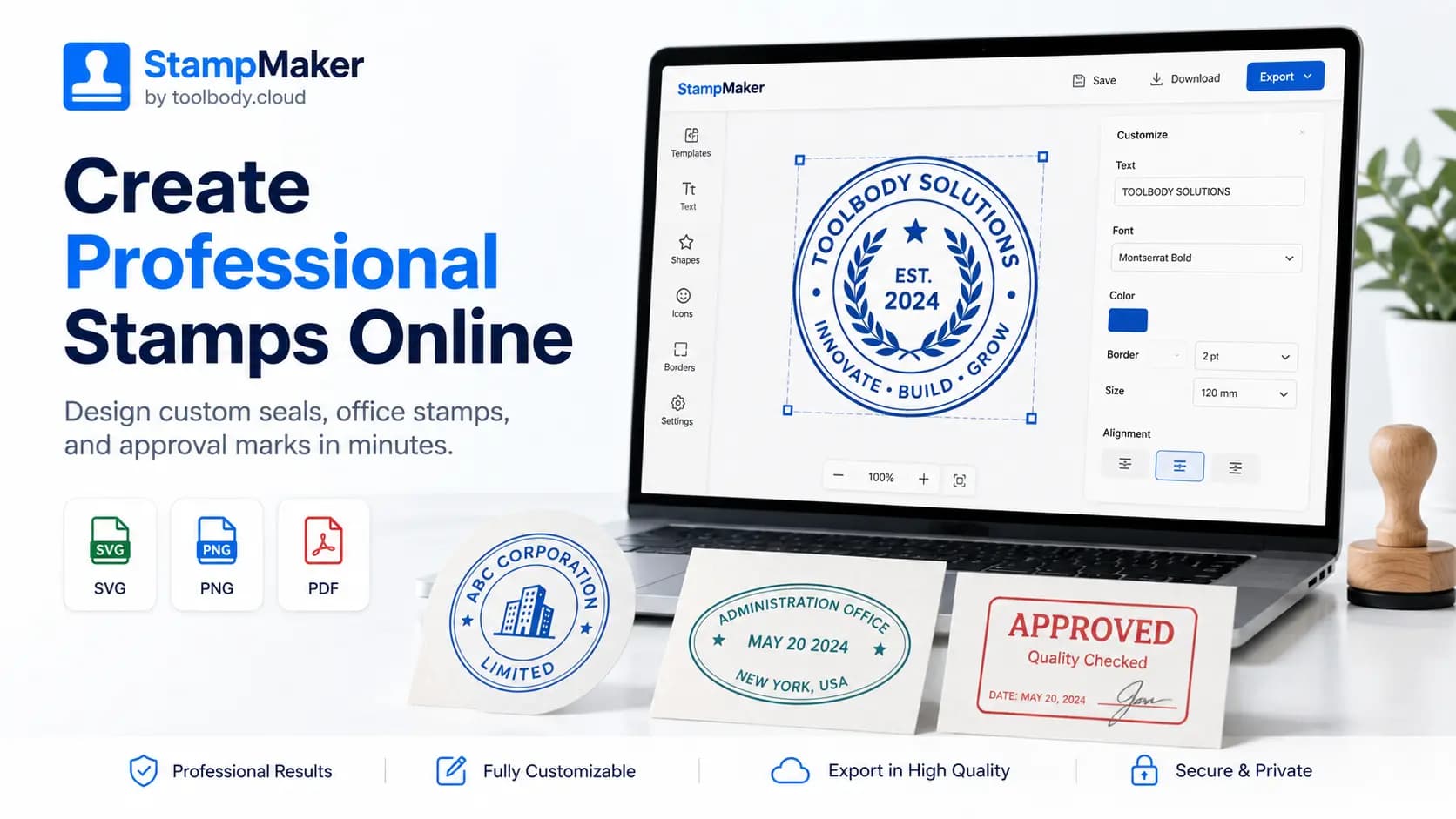
Creating a professional stamp no longer needs to be slow, expensive, or complicated. In the past, most people had to visit a local print shop, hire a designer, or use complex design software just to create a company seal, approval stamp, office stamp, or school stamp. Today, an online stamp maker makes the process much easier.
With ToolBody by toolbody.cloud, users can design custom stamps directly in the browser. The platform supports round, oval, and rectangle stamp layouts, editable text, borders, SVG artwork, center marks, saved projects, and clean export options such as SVG, PNG, and PDF.
Whether you need a digital stamp for documents or a design file for printing, a browser-based stamp editor gives you full control without requiring professional design skills.
Why Use an Online Stamp Maker?
An online stamp maker is useful because it saves time and gives users more flexibility. Instead of waiting for someone else to design your stamp, you can open the editor, choose a layout, add your text, upload a logo, adjust borders, and download the final file.
Many online stamp tools focus on simple use cases like custom rubber stamps, digital stamps, company seals, and document-ready PNG or SVG files. Competitor tools also commonly promote features such as transparent PNG export, SVG support, PDF downloads, and ready-made templates, which shows strong search demand around these features.
For businesses, speed matters. A startup may need a company seal today. A school may need an official stamp for certificates. A medical clinic may need a branded approval stamp. A freelancer may need a personal signature stamp for invoices. An online stamp maker helps all of these users create a professional-looking result quickly.
What Can You Create With ToolBody?
ToolBody is designed for practical business and office use. It is not just a basic image editor. It focuses on stamp layouts, seal balance, curved wording, borders, reusable templates, and export-ready files. The website currently describes support for round stamps, oval stamps, rectangle stamps, business seals, approval stamps, editable text, borders, SVG artwork, and transparent export files.
You can create:
Company seals for business documents
Office approval stamps
School and college stamps
Medical or clinic stamps
Invoice and packaging stamps
Department seals
Personal signature stamps
A good stamp design should be clean, readable, and balanced. The company name, registration number, department name, date, or approval text should be placed in a way that looks professional on both digital and printed documents.
Key Features of a Good Online Stamp Maker
A strong stamp editor should give users more than one fixed template. It should allow real customization. ToolBody includes editing features such as text control, borders, SVG artwork, center marks, draft saving, project reopening, and export options.
Here is a simple comparison of useful stamp maker features:
Feature | Why It Matters |
|---|---|
Round, oval, and rectangle layouts | Helps users create different business, office, and approval stamp styles |
SVG upload and export | Keeps the stamp sharp for printing and future editing |
PNG export | Useful for digital documents and transparent stamp overlays |
PDF export | Good for sharing, printing, and document workflows |
Saved projects | Allows users to edit and reuse stamp designs later |
Editable borders and text | Gives better control over professional stamp appearance |
These features are important because different users need different outputs. A business may want a vector SVG file for printing, while another user may only need a transparent PNG for a PDF document.
How to Create a Custom Stamp Online
Creating a stamp online is simple when the editor is built for real stamp layouts. Start by choosing the stamp shape. Round stamps are common for company seals and official-looking designs. Oval stamps work well for office stamps, address stamps, or department stamps. Rectangle stamps are popular for approval marks, invoice stamps, and document status labels.
Next, add your main text. This may include your company name, department name, approval word, school name, or service name. For official-looking stamps, keep the text short and readable. Too much text can make the stamp look crowded.
After that, customize the border. A clean border helps define the stamp shape and gives it a professional appearance. You can use single borders, double borders, or thicker borders depending on the style you want.
Then, add a logo or SVG artwork if needed. SVG support is especially useful because vector graphics stay sharp at different sizes. ToolBody’s website highlights support for placing SVG artwork visually inside the editor.
Finally, export your stamp. SVG is best for scalable vector quality. PNG is best for transparent digital use. PDF is useful for document sharing and printing.
Best Uses for Digital Stamps
Digital stamps are useful for modern business workflows. Many companies now send invoices, quotations, certificates, approvals, forms, and internal documents online. Instead of scanning a physical stamp, users can create a digital version and apply it directly to documents.
A digital stamp can be used for:
Company documents, invoices, certificates, packaging labels, approval notes, school documents, clinic forms, legal office paperwork, freelancer branding, and internal office workflows.
However, users should always follow local rules when using a company seal or official stamp. Some documents may require a legally approved physical seal, signature, or authorized company stamp. The online stamp design is a tool for creating the visual stamp file, but the correct legal use depends on the user’s country, company policy, and document type.
Why ToolBody Is Useful for Businesses
The main benefit of ToolBody is that it reduces friction. The website opens with an editor-first experience, so users can start designing quickly. It also highlights saved templates, continuing previous projects, visual placement of text and artwork, and clean file downloads.
This is useful for small businesses, startups, freelancers, schools, clinics, and office teams. Instead of creating a new stamp from zero every time, users can save a project, reopen it later, update the text, change the date, adjust the border, and export a new version.
For example, a company may create different stamps for “Approved,” “Paid,” “Received,” and “Verified.” A school may create stamps for different departments. A clinic may create separate stamps for doctors, reception, and medical approval. A reusable stamp editor makes this process much easier.
SEO Keywords to Target
For this blog post, the main keyword should be:
online stamp maker
Supporting keywords:
free online stamp maker, custom stamp maker, company seal maker, stamp generator online, create stamp online, digital stamp maker, rubber stamp design online, approval stamp maker, office stamp maker, PNG stamp maker, SVG stamp maker
These keywords match common search intent because users are usually looking for a fast way to create a stamp, download a stamp file, or design a company seal without using complicated software. Search results show that competitors are targeting phrases like “free custom stamp maker,” “company stamp generator,” “stamp maker online,” “seal maker,” and “stamp generator online.”
Final Thoughts
A free online stamp maker is a practical tool for anyone who needs fast, clean, and professional stamp designs. Whether you are creating a company seal, approval stamp, school stamp, office stamp, or business stamp, the right editor can save time and produce better results.
ToolBody by toolbody.cloud gives users a simple way to design custom stamps online with editable layouts, text, borders, SVG artwork, saved projects, and export-ready files. With support for PNG, SVG, and PDF downloads, it can be used for both digital documents and print-ready workflows.
Start with a simple layout, keep your text readable, use a clean border, add your logo if needed, and export the format that matches your use case. In just a few minutes, you can create a professional stamp design directly from your browser.